Branch Screens That Never Go Dark: Monitoring with Cortex Signage
· Cortex Solutions
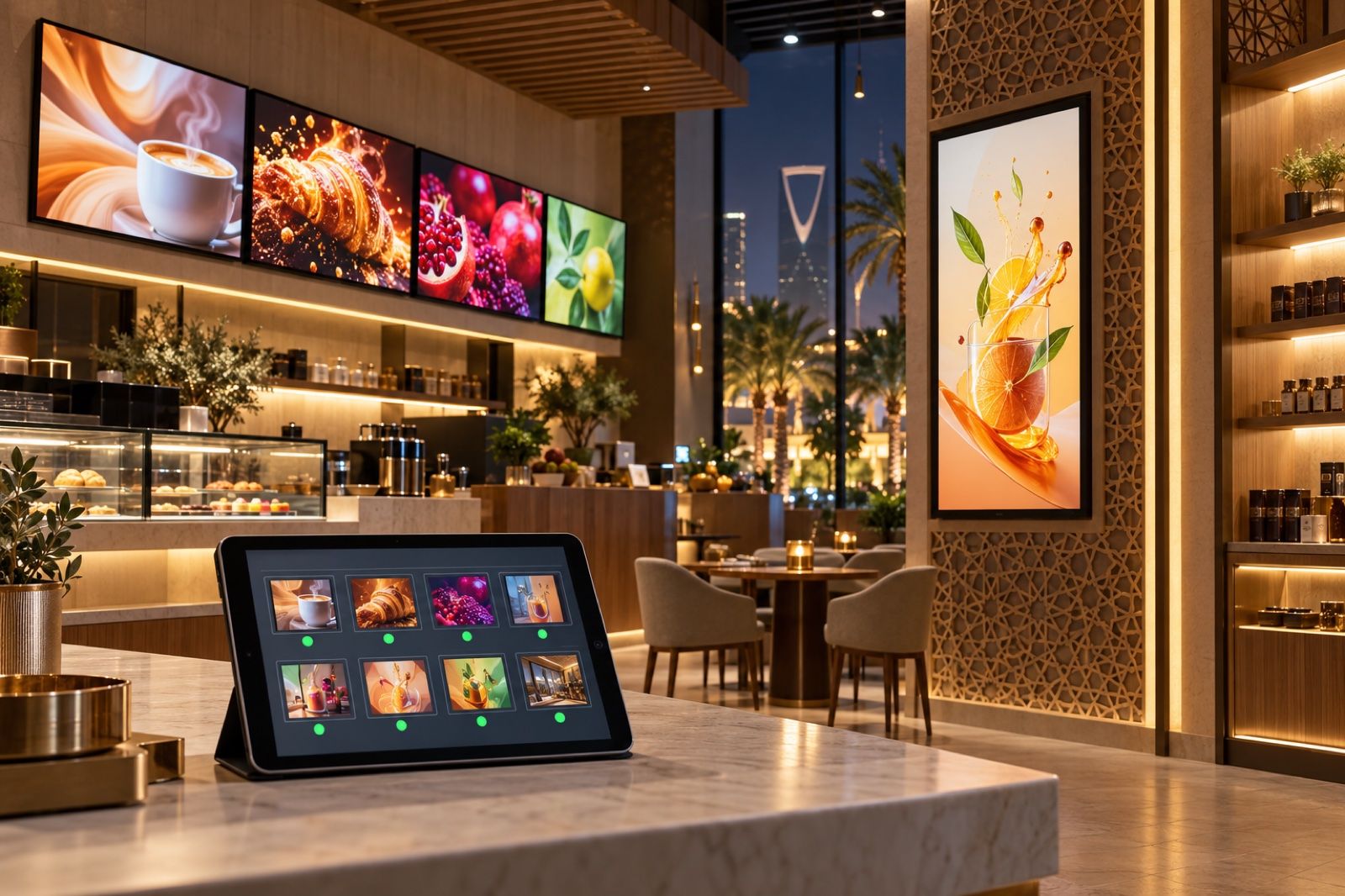
Know what every branch screen shows now, fix it remotely, keep it playing offline and get a play report. A practical guide with Cortex Signage.
Imagine you own a chain of cafés or shops in more than one city. In the morning a branch manager calls to say the menu screen above the counter has been black since yesterday. At noon you find out that another branch's screen is still showing last week's offer. In the evening the internet goes down at a third branch, the order-calling screen stops, and customers crowd around the counter. And there is one question you cannot answer: what are my screens actually showing right now?
Digital screens are a good investment for branches, but they become a burden when you cannot monitor or fix them from where you are. This article covers the side that is usually forgotten: keeping screens running reliably, monitoring them remotely, and knowing what was shown on them.
Where is the problem?
- You don't know which screens are online and which have stopped until a customer or an employee complains.
- Any small fault means a visit to the branch or a long call with an employee who isn't a specialist.
- An internet outage means a blank screen or an error message in front of customers.
- There is no proof that the campaign you paid to design was actually shown, or for how long.
- Branch screens come in different types, sizes and orientations, so content does not look consistent.
How to solve it
Before choosing any system, set yourself these criteria:
- Live monitoring: you should see the status of every screen, and what it is showing now, from one dashboard.
- Remote control: reload or resync a screen without going to the branch.
- Offline operation: the screen keeps its content on the device and carries on playing when the connection drops.
- Play reports: a log showing what was shown and for how long, so you can measure your campaigns.
- Device flexibility: it should work on the screens you already have, without buying special hardware.
How Cortex Signage solves it
Cortex Signage manages your branch screens from a single Cortex dashboard. It offers a digital menu built from your items and prices, a screen that calls customers when their order is ready, and offers and videos that rotate on a schedule. Alongside the content, it provides monitoring and reliability tools that address the problems above directly:
- Who is online now: every screen sends a heartbeat every thirty seconds, so you know which are connected, what each is showing now, the app version and the storage size.
- Remote commands: reload, resync and clear the cache from the dashboard, without going to the branch.
- Play report: what was shown and for how long, for any period from one day to ninety days.
- Branch screens page: gather, arrange and monitor a branch's screens on one page that refreshes every fifteen seconds.
It works when the internet goes down
The player app stores the playlist and its media on the device, checks that each download is complete, and clears out the oldest items when storage fills up. If the internet drops, the screen carries on with the latest content and stays lit, then sends its play log once the connection returns. The calling screen keeps the latest numbers visible, with a mark showing they have not been updated, instead of suddenly disappearing in front of customers.
On the screens you already have
Cortex does not sell screens, so you can use the ones you have. There are two ways to run them:
- The player app, for Android 5.0 and above: a TV, a TV box or a tablet. It works with the remote control's arrow keys, in Arabic or English, stores content so it can run offline, and applies operating hours.
- A browser link: the web menu and the calling and counter screens are web pages that open in the browser of any smart TV or tablet. They need a constant connection and do not apply operating hours.
Each screen can be landscape or portrait, and the player can rotate the picture 90, 180 or 270 degrees for devices that cannot rotate their output. Pairing is simple: the dashboard shows a six-digit code, valid for thirty minutes and for one use only, which you type on the screen to add it to your branch.
Consistent content across every branch
Once you are confident your screens are running, publishing content gets easier. You can tag screens and publish to the whole group at once. You can set the days of the week and hours for each playlist, with a fallback slide outside those hours. You can also build a video wall of two to sixteen screens sharing one playlist. Because the menu is built from your items and prices in Cortex, changing a price in the system and publishing sends it to the screens in the next sync cycle.
Who is it for?
Restaurants and cafés, retail shops, salons, workshops and service centres, clinics, and any business with more than one screen or more than one branch that wants to know what is happening on its screens without visiting them.
Get started
If your branch screens are running unmonitored today, it is time to manage them from one place. Learn more about Cortex Signage here:
https://cortex.sa/solutions/signage
Or request a quote for your business from the Cortex Solutions team: https://cortex.sa/estimator