Change the Price Once: POS-Built Menu Screens with Cortex Signage
· Cortex Solutions
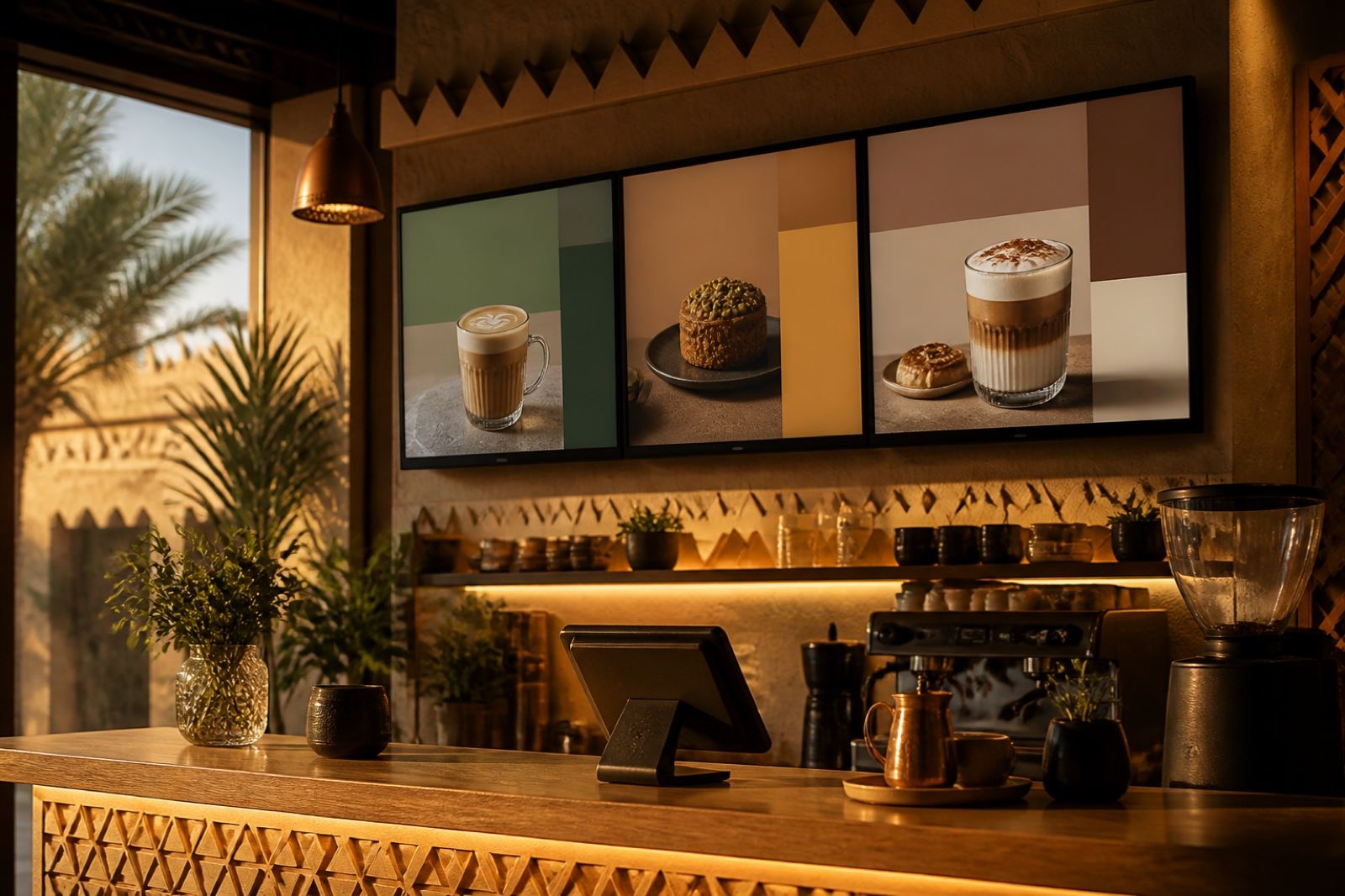
Printed menus lag behind your prices. Cortex Signage builds menu screens from POS items, calls customers on screen and runs all branch screens from one panel.
In many Saudi restaurants and cafés the same story repeats itself: an item's price changes or a seasonal drink is added, and it is updated in the POS within a minute, while the menu hanging above the counter stays the same for days until it is redesigned and reprinted. The customer reads one price on the board, then sees a different one on the receipt, an argument starts at the till and the queue grows longer. With every new branch the problem multiplies, because each branch needs its own printed copy and someone to put it up.
Where is the real problem?
The problem is not printing alone, but having two separate sources of truth: the list of items and prices in the point of sale, and the menu design in a separate file with the designer or the print shop. Every change goes through manual steps: telling the designer, reviewing, printing, then distributing to branches. In that gap mistakes appear: an old price, a sold-out item still on display, or an offer that ended but was never taken down.
Add to that another familiar scene at peak time: a staff member shouting out order numbers, and customers crowding around the counter with no idea when their order will be ready.
The solution: screens managed from one place
The idea is simple: instead of a printed menu, a digital screen whose content comes from the same data the cashier works with, and all branch screens managed from a single panel. This is what Cortex Signage, the digital signage solution from Cortex Solutions, offers to restaurants, cafés, stores, clinics and every branch with a screen.
How does Cortex Signage work?
According to the product page, Cortex Signage brings several tools together in one Cortex panel:
- A menu from your items: a menu slide built from your POS categories, items and prices, with eight templates to choose from. The on-screen menu is not typed by hand into a separate design; it comes from your own items and prices.
- A customer calling screen: two clear columns, "Preparing" and "Ready", with the ready number pulsing to catch attention, and no customer name or phone number shown.
- Images, video and PDF: a media library for your photos and videos, and when you upload a PDF, each page becomes its own slide.
- AI-generated pages: menu pages, loyalty invitations and offers written with your real item names and prices.
- Scheduling and groups: set days and hours for each playlist, publish to a group of screens at once, and build a video wall of up to 16 screens.
- Pairing with a code: link a screen with a six-digit code, through an Android player app or a link opened in any browser, and the panel shows you what is playing right now on every screen.
A working day with screens run from one panel
Picture a café with three branches in Riyadh and Jeddah. In the morning the screens show the breakfast and coffee menu, and in the afternoon they switch to desserts and cold drinks automatically, because you scheduled days and hours for each playlist. If you decide to launch a new drink, you add it in the point of sale, prepare an AI promo page with its real name and price, then publish it to the screen group of all branches from wherever you are.
At peak time, a screen next to the counter shows the order numbers being prepared and those that are ready, so customers know their turn at a glance and staff can focus on serving instead of calling out. Because the screen shows no name or phone number, customer privacy is protected.
And when you want to make sure every branch is showing the right content, you don't need to call the branch manager; the panel shows you what is playing right now on every screen.
What do you gain as a business owner?
- Consistency between menu and receipt: the menu is built from your POS items and prices, so there is less mismatch between what customers read and what they pay.
- Savings in printing and time: no design, printing or distribution for every small change.
- Central control of branches: publish to one screen or a group of screens from a single panel.
- In-store marketing: your offers, videos and loyalty invitation rotate on screens on a schedule you choose.
- An easy start: a screen with an Android app or a browser, and a six-digit code to pair it, is all you need.
Tips before you start
- Start with one branch and two screens: one for the menu and one for calling customers, then expand once you are comfortable with the panel.
- Organize your POS categories and item names well, because they are what will appear on screen.
- Plan playlists by time of day: breakfast, lunch, evening, and weekend offers.
- Use real, high-quality photos of your products; they are stronger than any description.
Start today
If your printed menu lags behind your prices, or your counter gets crowded with waiting customers, this is a chance to turn your screens into a sales and organization tool managed from one place. Learn about Cortex Signage on the solution page: https://cortex.sa/solutions/signage
For details and ordering: https://signage.cortex.sa/