Get Company Work Out of Personal WhatsApp Groups with Cortex Workspace
· Cortex Solutions
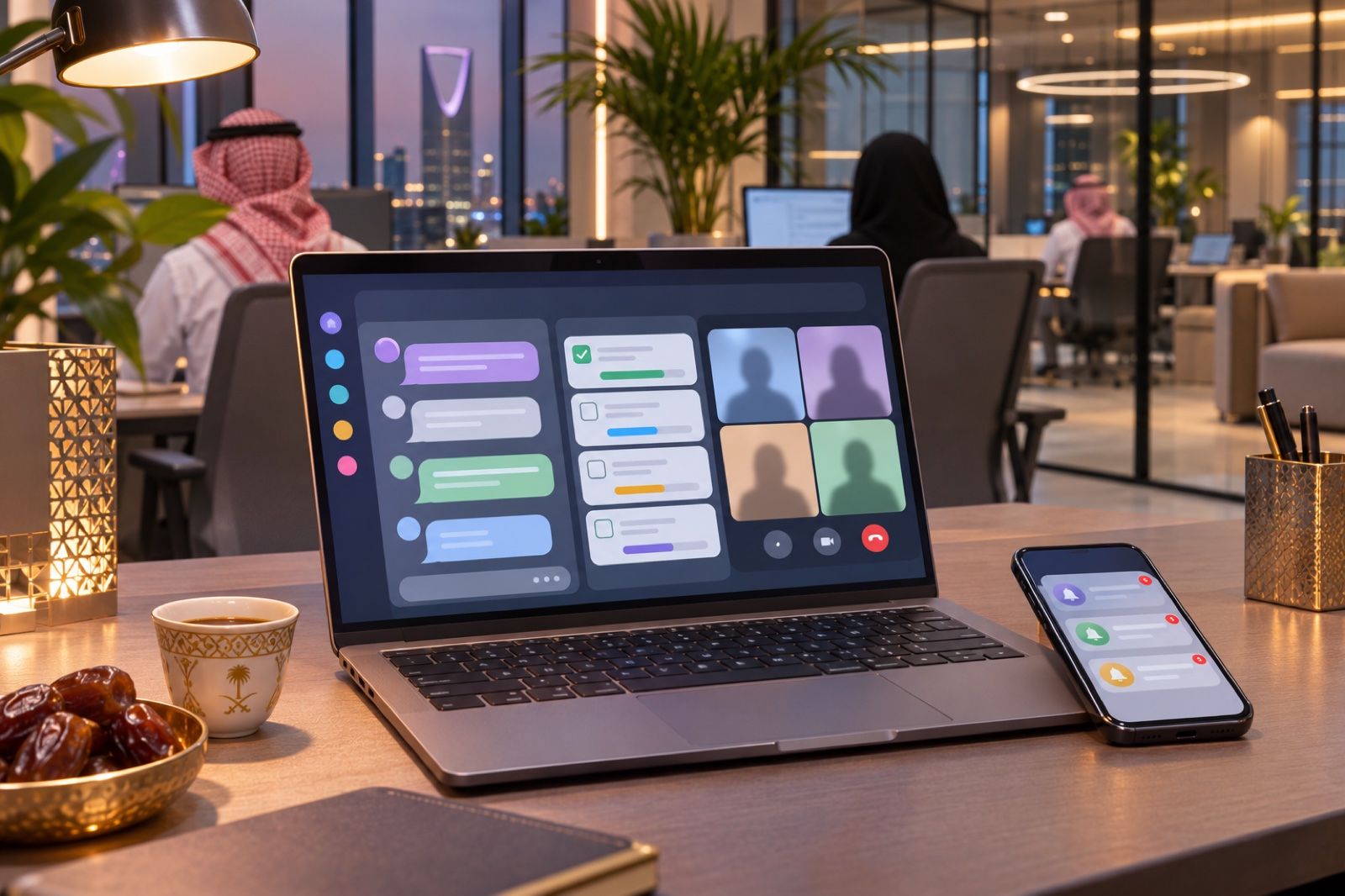
When staff run company work on personal WhatsApp and phones, it leaves when they do. Cortex Workspace keeps chats, tasks and files under company accounts and permissions.
In many Saudi organizations, especially small and medium ones, internal communication started with a single WhatsApp group for management. Then the groups multiplied: one for the branch, another for purchasing, a third for the new project. Over time, much of the company's decisions, files and follow-ups ended up stored on employees' personal phones, under their own numbers and accounts, not the company's.
That feels convenient at first, but it becomes a real problem at the first difficult moment.
Where the problem shows up
- An employee leaves: the supplier conversations, photos of quotes, files sent to them and the record of what was agreed all leave with them. Whoever replaces them starts from zero.
- Nobody knows who sees what: a price file or a contract gets forwarded from one group to another until it reaches someone who should not see it, and there are no permissions governing it.
- Tasks get lost in the noise: the manager writes "Ahmed, follow up with the client" among dozens of messages, and later nobody remembers whether it happened, because a message is not a task with an owner and a status.
- Ten versions of one file: "final offer", "final 2", "final edited", each in a different chat, and nobody is sure which one is approved.
- Meetings without a trace: a call on some app, decisions spoken out loud, and then no summary and no written tasks afterwards.
The problem is not the employees. It is that the tools in use were designed for personal communication, not for running a company's work.
How to solve it
The answer is not to ban WhatsApp; it is an important channel with customers. The answer is to give internal work one place that the company owns, based on a few simple principles:
- Staff accounts that belong to the company, not personal numbers, so the work stays in the company when people change.
- Clear permissions that decide who sees each channel and each folder.
- A task is written as a task with an owner and a stage, not a message that gets lost.
- One file everyone works on instead of scattered copies.
- Reminders that reach the employee's phone so follow-ups are not forgotten.
How Cortex Workspace does it
Cortex Workspace is one workspace for your team and your customers. It brings together what is split today between WhatsApp groups, scattered files and separate meeting apps, inside Cortex, with your staff's own accounts and permissions. Here is what it offers, according to the product page:
- Team messaging: channels for each team, branch or project, plus direct messages, mentions and threads, so each topic's discussion stays in its place.
- Tasks and projects: a "My tasks" view as a list or a board, projects organized by stage, and each task linked to its invoice, order or customer.
- Files and online editing: shared folders with permissions, and Word, Excel, PowerPoint and PDF files edited together in the browser, so there is one version everyone works on.
- Meetings and calls: voice and video calls, screen sharing and guest links, with an AI summary and tasks after the meeting.
- Reminders and mobile app: reminders for meetings and callbacks, push notifications, and a staff app for iPhone and Android.
- Contact center: one shared inbox for WhatsApp, Instagram, Messenger, website chat and email, with an AI assistant, so customer conversations are not trapped on one employee's phone.
What your day looks like after the switch
Imagine your purchasing officer moves to another role. Instead of searching their phone for the supplier's latest quote, you find the discussion in the purchasing channel, the quote in the shared folder, and their open tasks visible on the project board, ready to reassign to a colleague in minutes. The branch manager no longer asks "did anyone call the client?", because the follow-up is a task linked to that client, and its reminder reached the responsible employee's phone.
Practical steps to get started
- List your current internal WhatsApp groups and turn each work group into a channel for a team, branch or project.
- Set permissions before moving files: who sees finance files, and who sees HR files.
- Move only approved files into shared folders and make them the single reference.
- Agree on one simple rule with the team: any request with a deadline is written as a task, not a message.
- Start with one team or branch, then roll it out once the team is used to it.
Start now
If your company's work is spread across employees' phones and their groups today, it is time for it to have one home that you own. Learn more about Cortex Workspace here: https://cortex.sa/solutions/workspace
For full details and to order: https://workspace.cortex.sa/
Or request a quote for your organization: https://cortex.sa/estimator