E-Invoicing & VAT in One Set of Books: From POS to Accounting
· Cortex Solutions
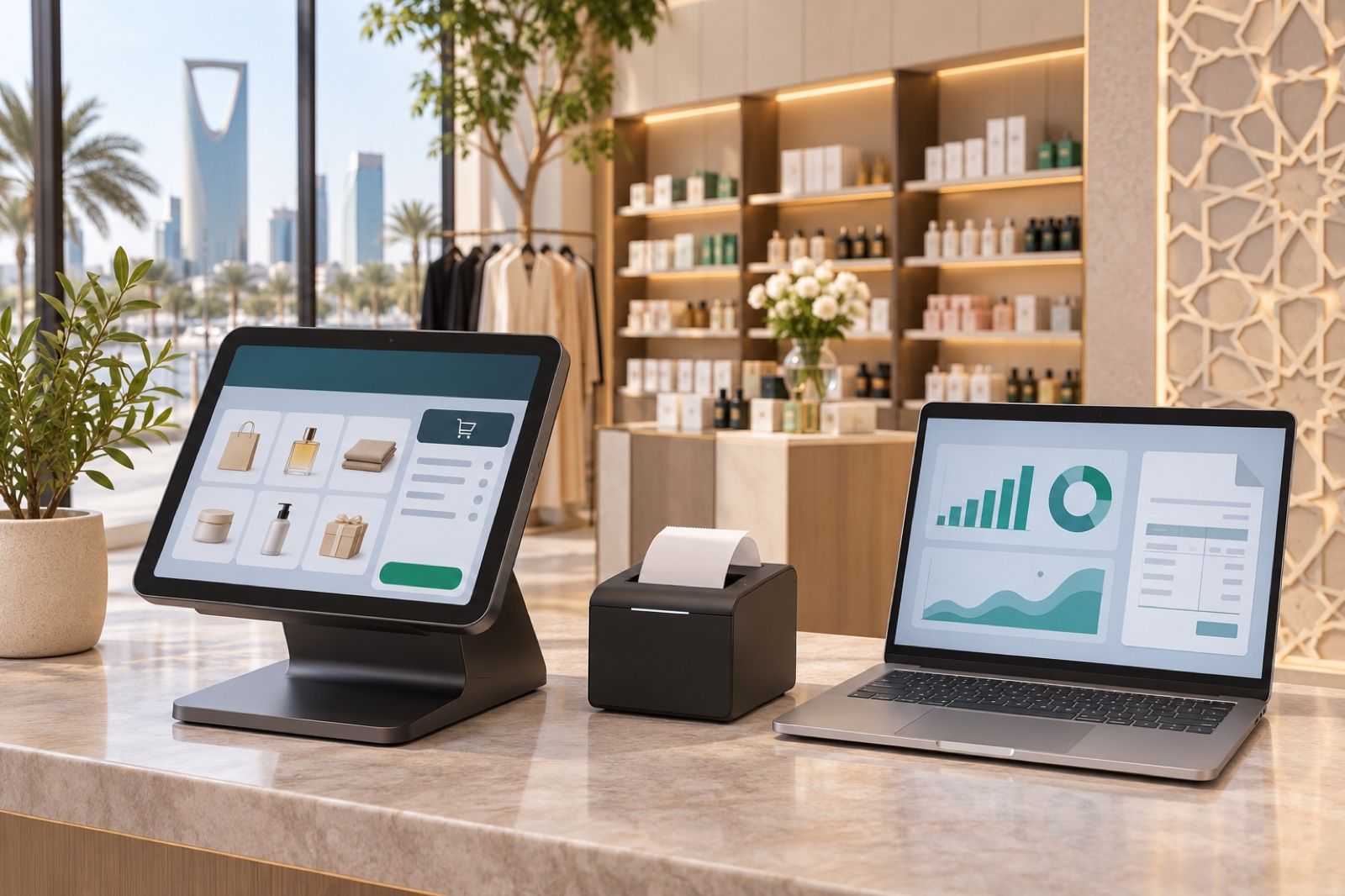
Invoices in the cashier, payments at the bank, VAT in Excel? See how Cortex ERP keeps invoices, payments, VAT and e-invoicing in the same books, even offline.
At the end of every month or quarter, the same scene plays out in many businesses: sales invoices sit in the cashier system, payments in the bank statement, expenses in an Excel file, and the accountant tries to pull it all together before the VAT return is due. Any small gap between what was actually sold and what was recorded means hours of review, and possibly errors in the return.
With the Zakat, Tax and Customs Authority (ZATCA) requiring VAT-registered businesses to issue e-invoices, the question has become clearer: is the invoice your cashier issues the same one that enters your accounts, or is there a second copy moved by hand?
Where is the problem?
The problem is usually not the invoice itself but the number of systems. When the point of sale is separate from accounting, the same issues keep coming back:
- Double entry: sales are exported from the cashier and then entered into the accounting software, and every manual transfer is a chance for error.
- Unclear payments: the invoice was issued, but nobody can quickly tell whether it was paid in cash, by card, or is still on credit.
- VAT calculated twice, two ways: once at the cashier and once in the accountant's sheet, and the results do not always match.
- Scattered branches: each branch sends its numbers its own way, and the owner only sees the full picture days later.
- Internet outages: if the system stops when the network drops, staff fall back on paper, and some invoices get lost or entered late.
The fix: one invoice from sale to books
The simple idea that solves most of these problems is to record each transaction only once. The cashier sells, the invoice is issued, and it immediately flows into inventory, payments and VAT in the same books, with no exporting, importing or in-between spreadsheets.
That is what Cortex ERP offers. According to the product page, it brings point of sale, accounting, inventory, purchasing, HR and reports into one platform, with "invoices, payments, VAT and ZATCA e-invoicing in the same books".
How Cortex ERP helps in practice
- A point of sale that works offline: it runs on phone, tablet, desktop and browser, and selling keeps going when the internet drops, so there is no going back to paper.
- Integrated accounting: invoice, payment, VAT and e-invoicing in the same books, so there is no second copy to reconcile.
- Inventory linked to sales: stock per branch, transfers, counts and supplier orders in the same system, so every sale is reflected in quantities.
- Branches in one view: each branch on its own, rolled up into one view for the owner, instead of waiting for separate reports.
- Growth without migration: you can start with the point of sale and grow into a full ERP without moving to another system and migrating your data.
An example from an ordinary day
Imagine a store with two branches. At the first branch the internet drops for an hour at peak time, and the cashier keeps selling on the tablet. At the second branch, stock is transferred from the warehouse to cover a sudden shortage. At the end of the day the owner opens one screen and sees both branches' sales, their VAT, the payments collected and stock movements, without anyone sending a file or a photo of a notebook.
Practical checks before choosing a system
Whether you choose Cortex or another provider, these questions are worth asking:
- Is the invoice issued at the cashier the same one that enters accounting, or is it moved manually?
- What happens when the internet drops? Does selling continue, and are invoices kept?
- Can I see paid and outstanding amounts for each invoice without an external file?
- Can I see all branches' numbers on one screen?
- If the business grows, will I need a new system and a data migration?
An important tip: confirm the requirements and deadlines that apply to your business from ZATCA's official sources and review them with your accountant, since the rollout happens in phases set by the authority.
Who is it for?
According to its page, Cortex ERP is aimed at retail stores, restaurants, workshops, salons and multi-branch companies. If your business sells daily and issues many invoices, every hour saved on manual reconciliation goes back into serving customers and growing sales.
Get started
Instead of gathering your numbers from three systems before every return, keep your invoices, payments and VAT in one place from the very first sale.
Learn about Cortex ERP and request details here: https://cortex.sa/solutions/erp
To request a quote for your business: https://cortex.sa/estimator