Lost Kitchen Tickets? Kitchen and Customer Displays with Cortex ERP
· Cortex Solutions
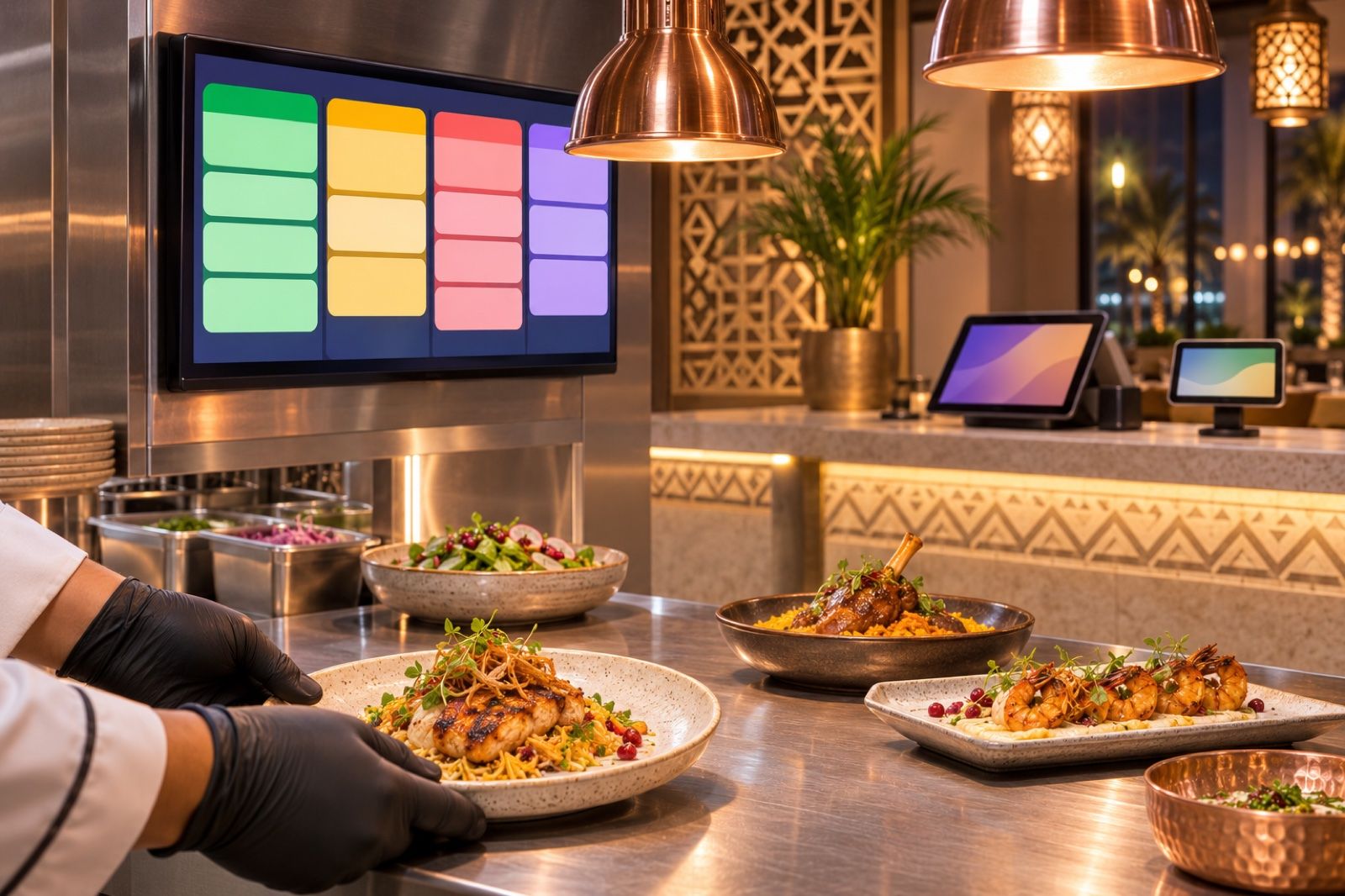
Paper tickets and shouted orders cost restaurants time and money. Link the till, kitchen display and customer display to one set of books with Cortex ERP.
At rush hour the cashier faces a long queue, prints a ticket for the kitchen, and then comes the familiar question: "Where is table five's order?" The ticket fell behind the stove, got stained with oil, or was misread. The result is a late order, an angry customer and a dish remade at the restaurant's expense. This is not a cooking problem; it is a problem of information moving between the cashier, the kitchen and the customer.
Where do orders get lost in restaurants?
- Paper: printed kitchen tickets get lost and damaged, and nobody can easily tell which order is done and which is still waiting.
- Word of mouth: a change like "no onions" is called out loud and then forgotten in the rush.
- Separate systems: a till on one side, menu screens on another and accounting software on a third, so the numbers never match at the end of the day.
- No clarity for the customer: the customer cannot see what was entered on their order until they receive it, so mistakes are found too late.
- Internet outages: with some cloud systems, losing the connection means selling stops completely, usually at the worst possible time.
Each of these looks small on its own, but together they mean wasted ingredients, lost staff time and negative reviews piling up on delivery apps and search engines. Worse, the owner cannot see the size of the problem in numbers, because the information is scattered between paper, memory and more than one program.
The solution: a screen for each party, one system behind them
The idea is simple: instead of information passing through paper and shouting, it passes through the system. The cashier enters the order once, the kitchen sees it on its screen, the customer sees what was entered on the screen facing them, and the same invoice reaches accounting without re-entry. When these screens are part of the system that runs sales, stock and accounts, the gaps between departments disappear and every number has a single source.
How does Cortex ERP do it?
Cortex ERP is one system that brings point of sale, accounting, inventory, purchasing, HR and reports into one platform, built for retail stores, restaurants, workshops, salons and multi-branch companies. What matters to restaurants in particular:
- Screens and kitchen: the system includes menu boards, the kitchen display and the customer display, so you don't need a separate system for each screen.
- A point of sale that keeps going: the POS works offline on phone, tablet, desktop and browser, so selling does not stop if the connection drops at rush hour.
- Accounting in one set of books: invoices, payments, VAT and ZATCA e-invoicing in the same books, so what is sold at the till shows up in the accounts without manual transfer.
- Inventory and purchasing: stock per branch, transfers, counts and supplier orders, so you know what the kitchen used and what you need to order.
- Branches: each branch on its own, rolled up into one view for the owner.
- HR: employees, contracts, leave and Saudi payroll in the same system.
What does work look like after the change?
Picture the same rush-hour order once the screens are linked to the system. The cashier enters the order on the tablet once, with any note such as "no onions". The kitchen team follows orders on its screen instead of a pile of tickets, and the customer sees on their screen what was entered before paying, so any mistake is corrected on the spot rather than after they sit down. At the end of the day the accountant doesn't need to collect receipts or reconcile files, because sales and VAT are in the same books. And the owner sees all branches together from one place.
The gain is not the screens themselves; it is that everyone sees the same information at the same time: the cashier, the kitchen, the customer, the accountant and the owner.
Practical steps to get started
- Map your current order flow: from the moment of ordering to handover, and identify where delays or errors happen.
- Start with what matters most: the point of sale and kitchen display first, then add the customer display and menu boards.
- Link inventory to sales so you know what actually leaves the kitchen and what needs buying.
- Train the team at a quiet time before going fully live at rush hour.
- Plan for growth from day one: Cortex ERP grows with you from point of sale into a full ERP without a data migration, so you don't have to change systems when you open a new branch.
Get started
If your restaurant or café still relies on paper tickets and calling out between the till and the kitchen, it is time for one system that connects everyone. Explore Cortex ERP and request details on the solution page: https://cortex.sa/solutions/erp
To request a quote that fits the size of your restaurant and number of branches: https://cortex.sa/estimator