Meetings That End in Tasks, Files in One Place: Cortex Workspace
· Cortex Solutions
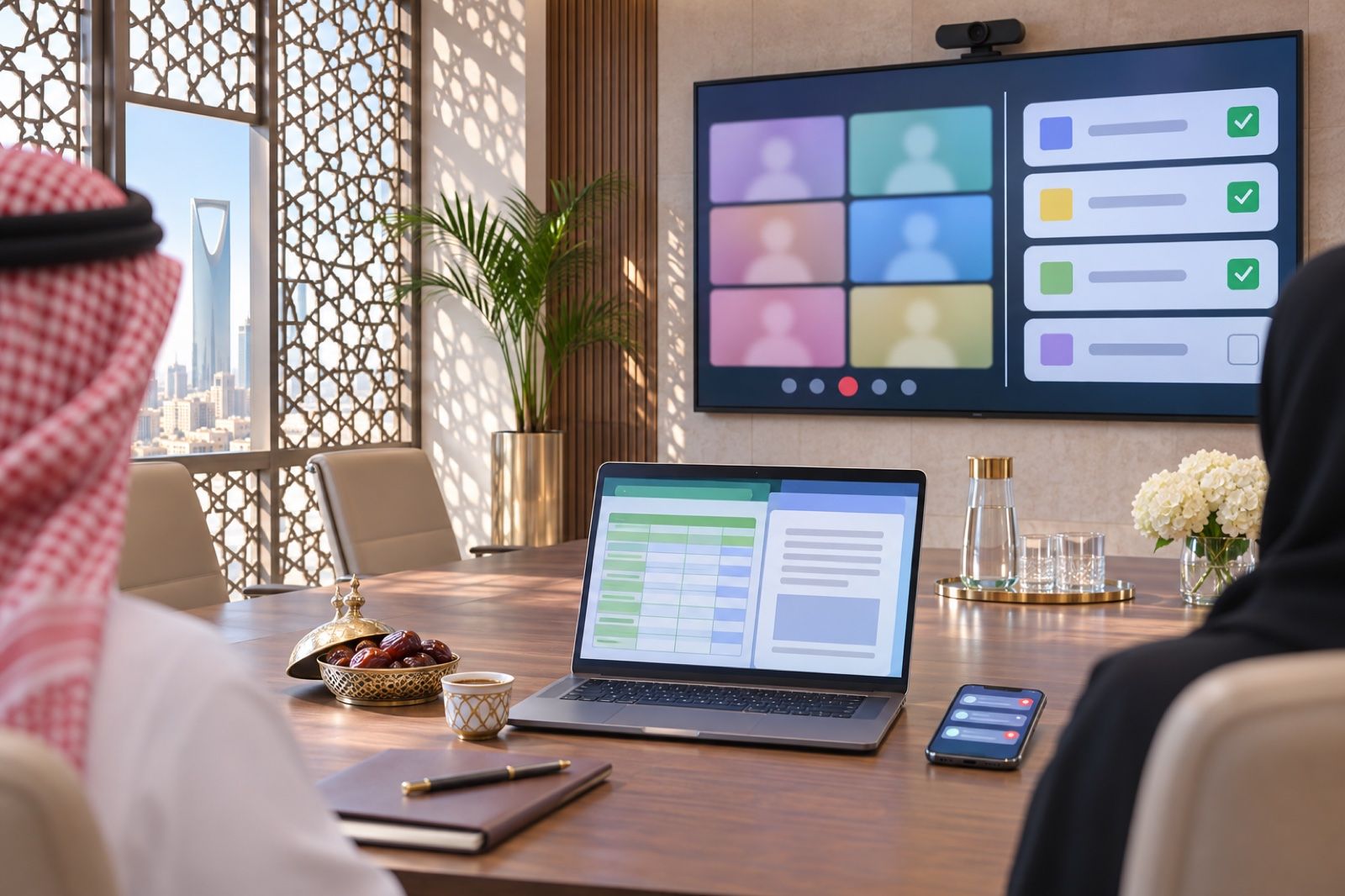
Meetings that end with no follow-up and files lost in email cost your team time. See how Cortex Workspace turns meetings into tasks and keeps files in shared folders.
How many meetings did you attend this month and walk out of without knowing exactly who would do what, and by when? And how many times have you asked a colleague, "Send me the latest version of the file," only to receive one named "Final 3"? These are not small problems. In many Saudi companies, especially those with branches or field teams, a large share of the team's time is lost between one app for meetings, email for attachments, a WhatsApp group for reminders, and files saved on personal devices.
In this article we look at two problems every business owner knows: the meeting that never turns into work, and scattered files with no control. Then we explain how Cortex Workspace from Cortex Solutions addresses both.
Problem one: a good meeting, a missing outcome
A meeting is not a goal in itself; it is a way to make decisions and distribute work. But what often happens is this:
- Attendees agree on several points, then each relies on memory.
- No one writes the minutes, or they are written late and sent in a message that gets lost.
- Tasks have no owner and no deadline, so they slip to the next meeting.
- An outside guest, such as a supplier or customer, needs another app or a new account to join.
The result is repeated meetings on the same topic and a general sense that time passes without progress.
Problem two: files everywhere
Quotations, inventory sheets, contracts and client presentations usually spread across separate places: email attachments, WhatsApp chats and staff devices. This causes:
- Multiple copies of the same file with no way to tell which is newest.
- Difficulty controlling who can see a file and who can edit it.
- Lost files when an employee leaves or changes device.
- Time wasted searching instead of working.
How do you solve both?
The solution starts with a simple principle: the meeting, the task and the file should live in the same place, under employees' own accounts and permissions. Then:
- Every meeting ends with a written summary and clear tasks.
- Files are kept in shared folders, and everyone works on one version.
- Reminders arrive automatically instead of relying on memory.
Cortex Workspace: your team and your customers in one workspace
Cortex Workspace is designed for teams whose work is split between WhatsApp groups, scattered files and separate meeting apps, bringing it all into one place inside Cortex, with staff's own accounts and permissions. These are its key capabilities related to our topic:
Meetings and calls
Cortex Workspace provides voice and video calls with screen sharing, plus guest links that make it easy to invite a customer or supplier from outside the company. More importantly, the meeting does not end when the call ends: the AI assistant provides a summary and tasks afterwards, so the team leaves with what was agreed in writing.
Tasks and projects
Tasks appear in "My tasks" as a list or a board, and projects are managed by stage. Each task can be linked to an invoice, an order or a customer, so a task is never left floating but tied to the work it serves.
Files and online editing
Instead of repeated attachments, Cortex Workspace offers shared folders with permissions, so you decide who sees what. Word, Excel, PowerPoint and PDF files can be edited together in the browser, so the team works on one version without swapping copies.
Reminders and the mobile app
Meeting and callback reminders arrive with device notifications, and there is a staff app for iPhone and Android, so field employees and branch managers can follow their work from their phones.
And more
Cortex Workspace also includes team messaging with channels per team, branch or project, direct messages, mentions and threaded replies, and a contact center that gathers customer messages from WhatsApp, Instagram, Messenger, website chat and email into one shared inbox with an AI assistant.
A practical example
Imagine a distribution company in Riyadh holding a weekly meeting with its branch managers. With Cortex Workspace the meeting runs on video, the main supplier joins through a guest link, and the sales plan is presented with screen sharing. After the meeting the summary and tasks arrive; a task to follow up a delayed order is linked to that order, and each branch manager updates their figures in a shared Excel file in the browser. Reminders reach their phones before the next meeting, which starts by reviewing what was done instead of restarting the discussion.
Steps to get started
- Identify the recurring meetings in your company and give each its own channel or project.
- Move important files into shared folders and set permissions for each team.
- Agree with your team that every meeting ends with tasks that have an owner and a deadline.
- Enable the mobile app for field staff and branch managers.
Start now
If your team spends more time searching for files and chasing what was agreed than doing the work itself, it is time for one workspace. Learn about Cortex Workspace and request details here: https://cortex.sa/solutions/workspace
You can also view and order the solution directly at: https://workspace.cortex.sa/