New Shop, No POS Yet? Organise Pickup From Day One With Zaheb
· Cortex Solutions
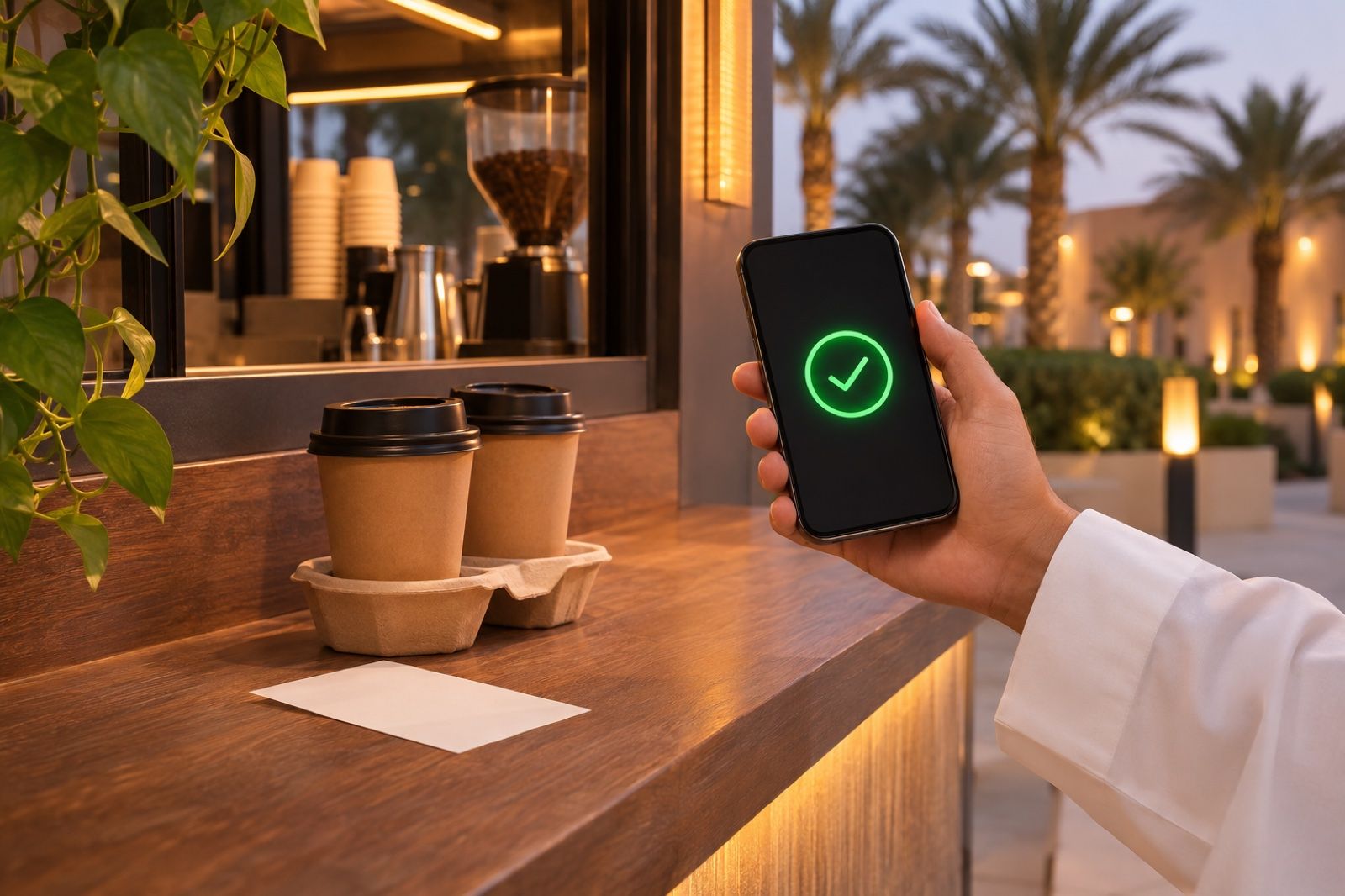
You don't need a full POS to organise pickup. See how Zaheb runs on its own from one dashboard, then add POS, management or a store as your shop grows.
Every small business starts with a long shopping list: equipment, décor, furniture. Then comes the question of systems. Do I buy a full system now, or wait until sales become clear? Many owners of new shops choose to wait, and that is understandable. The trouble is that the customer does not wait with them: from the first week they stand at the counter asking, "Is my order ready?"
The problem: all or nothing
Many assume organised pickup only comes with a complete POS system, so at first they rely on the simplest methods:
- Calling names out loud over the noise.
- Numbers handwritten on cups or bags.
- Pagers that are bought, charged daily and sometimes lost.
These methods hold up with ten orders, then stumble on the first busy evening: an order handed to the wrong person, a customer who walked away and did not hear their name, an employee leaving preparation to answer questions. A new shop's first impression is hard to repair.
The solution: start with only what you need today
The smarter move is to fix the problem the customer sees first, with a light tool that can expand. You do not pay for systems before their time, and you do not have to start from zero a year later.
That is the idea behind Zaheb from Cortex Solutions. It works on its own with no POS system required: you issue tickets, call and close from one screen. If you have another system, it works alongside it.
How does an order flow?
- You issue the ticket from the Zaheb dashboard, with a short number and a QR code.
- The customer scans the code and a page opens in their browser with your shop's name and logo, showing the status: received, preparing, ready. No app, no account, no phone number.
- You press "call" when the order is ready, and the customer's phone vibrates and sounds a clear alert even if the screen is locked.
On iPhone, an optional App Clip makes the alert audible even when the phone is on silent, then removes itself from the device.
What about a customer who does not open the link?
Their number appears on the call screen above the counter. The screen is simply a link you open on any display or TV, with no special device and no installation. The dashboard also shows how many tickets have not been opened, so you know when to rely on the screen.
Your first day, step by step
According to the Zaheb website, setup takes minutes. Here is an order we suggest:
- Register with your email and open the dashboard on your computer or phone.
- Set up the customer page with your shop's name and logo.
- Issue a test ticket, scan it with your phone and call yourself.
- Before opening, try out how the code reaches the customer in the way that suits your counter.
- Open the call screen on a TV customers can see.
- Teach your staff one sentence: "Scan the code and you'll be alerted when your order is ready."
In the first two weeks, watch two numbers: average preparation time, and how many customers did not open their page. Every ticket keeps its issue, ready and pickup times, so your early decisions rest on numbers rather than impressions.
And when your shop grows
This is the difference between a stopgap and a proper start. When you need more, you add it from your subscription portal and its screens appear in the same dashboard, with no new account and no data migration:
- Point of sale: cashier, invoices and inventory.
- Full management: finance, purchasing and reports.
- HR: payroll, leave, custody items and documents.
- Online store: your website, store and online orders.
With Cortex POS, a separate subscription, the ticket is issued automatically with the invoice for every takeaway order.
When should you move? Signs we suggest watching: you cannot tell how much stock is left, you are late closing the day's accounts, or customers keep asking about ordering online.
Who is it for?
Zaheb suits restaurants, cafés, clinics, pharmacies, workshops and pickup points, and you choose the text the customer reads. A new workshop can tell a car owner the car is ready, and a clinic can call its patient, with the same tool.
What does it cost?
According to the Zaheb website: a 14-day free trial with no card, then SAR 200 per branch per year excluding VAT, with no limit on the number of tickets, and you can cancel any time. If the trial ends and you do not pay, tickets stop while your account and data remain.
Start today
Do not put off organising pickup until you buy a full system. Start with Zaheb, issue your first ticket today and add what you need when its time comes.
Solution details: https://cortex.sa/solutions/zaheb
Start the trial: https://zaheb.io