One System for Your Till, Stock and Accounts: Cortex ERP
· Cortex Solutions
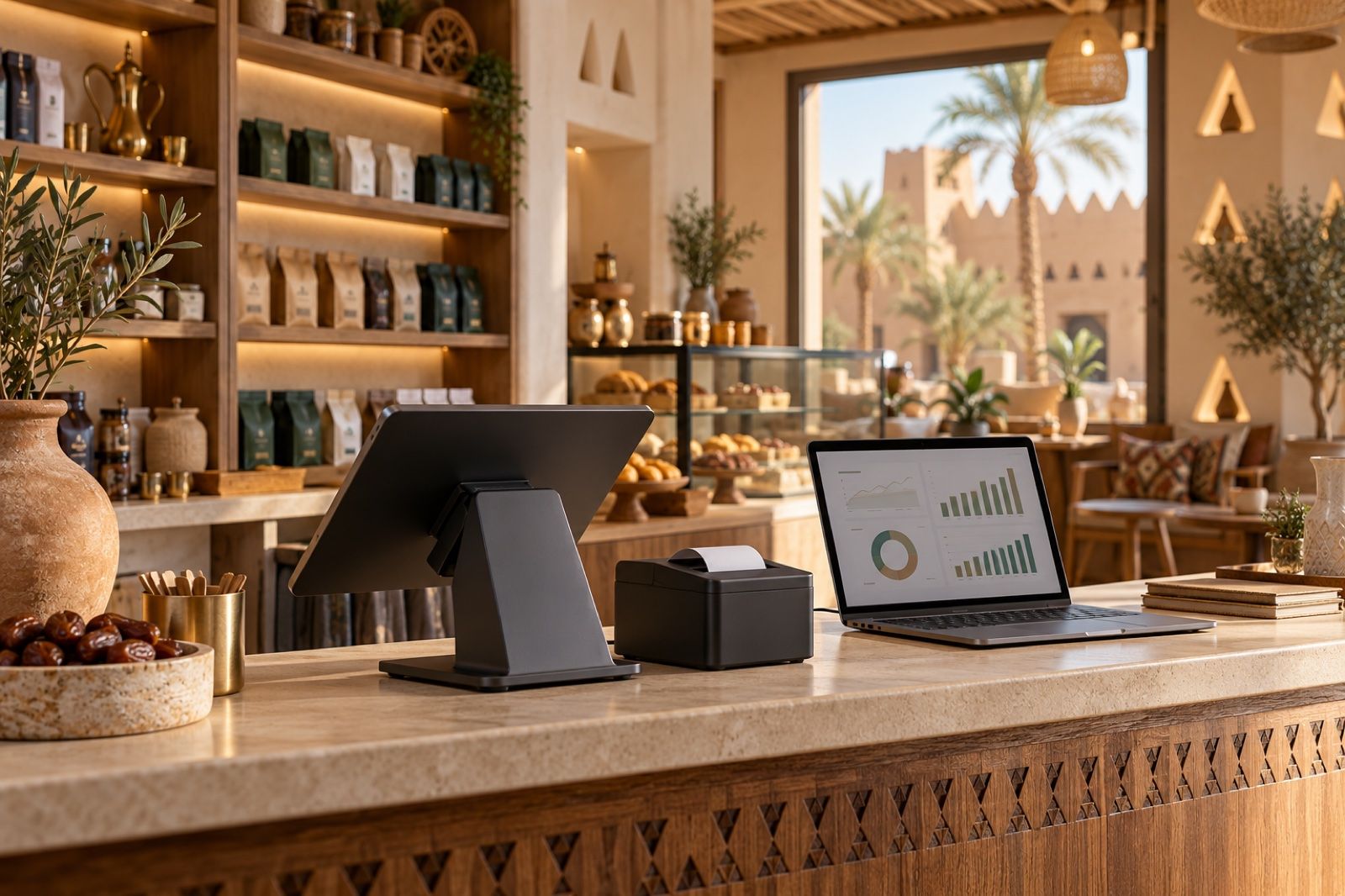
Scattered tills, Excel stock sheets and separate accounting slow decisions. See how Cortex ERP unites POS, inventory, accounting, payroll and branches in one system.
Many shop, restaurant, workshop and salon owners in Saudi Arabia run their business with several tools at once: a cashier device for sales, an Excel sheet for stock, a separate accounting program the accountant updates at month end, and a notebook or another app for payroll and leave. At first this seems workable, but once a second branch opens or the number of items grows, problems start to appear.
The problem: scattered numbers and late decisions
When a business's data is spread across systems that do not talk to each other, familiar problems keep repeating:
- Sales at the till are not reflected in stock right away, so you discover an item is out only after a customer asks for it.
- The accountant re-enters invoices by hand, wasting time and increasing the risk of errors in tax and payments.
- The owner has no single view of every branch's performance and waits for late reports compiled by an employee.
- An internet outage can mean sales stop and queues form at the till.
- Staff salaries, contracts and leave live in one place, while their real cost to each branch lives somewhere else.
The result: purchasing, pricing and hiring decisions are based on guesswork rather than accurate, up-to-date numbers.
The solution: one system for daily operations
The practical fix is not adding another program on top of the current ones, but bringing the core operations into a single enterprise resource planning (ERP) system, so every event is recorded once and its effect shows everywhere: a sale reduces stock, the invoice goes to accounting, and staff costs show up in branch performance. When choosing such a system, ask yourself:
- Does selling continue even when the internet goes down?
- Does it support multiple branches, with separate accounts for each and a combined view for the owner?
- Are invoices, payments, tax and e-invoicing in one ledger?
- Can it grow with the business without forcing you to move to another system in two years?
How Cortex ERP solves it
Cortex ERP from Cortex Solutions is built on a simple idea: "One system. All your business." It is aimed at shops, restaurants, workshops, salons and multi-branch companies. According to the product page, the system brings together the following modules:
- Point of sale: a till that runs on mobile, tablet, desktop and browser, and works offline, so sales continue during internet outages.
- Accounting: invoices, payments, tax and e-invoicing in one ledger, instead of re-entering them in another program.
- Inventory and purchasing: per-branch stock, transfers between branches, stocktaking and supplier purchase orders.
- HR and payroll: employee records, contracts, leave and payroll in line with Saudi regulations.
- Branches: each branch has its own accounts, with a combined view for the owner.
- Screens and kitchen: menu display screens, a kitchen screen and a customer-facing screen, especially useful for restaurants and cafés.
- Reports: to follow performance from one place.
One of Cortex ERP's key strengths is that a business can start with what it needs today, such as point of sale and inventory, and then grow into a full ERP "without migration", meaning without moving to another system or transferring data all over again.
Who is Cortex ERP for?
The system suits a small business that wants a reliable till and controlled stock from day one, and it also suits a multi-branch company that needs separate accounts for each branch and a unified view for management. A restaurant benefits from the kitchen and menu screens, a shop benefits from stocktaking, transfers and purchase orders, and a salon or workshop benefits from a simple point of sale linked to accounting and payroll. In every case the idea is the same: data entered once, and reports that reflect reality.
A practical example
Imagine a café in Riyadh that has opened its second branch in Jeddah. With Cortex ERP, the tills in both branches keep selling even if the internet drops for a while, ingredients are deducted from each branch's stock, and goods can be transferred from one branch to another when needed. Orders reach the kitchen screen, and invoices and tax are recorded in accounting directly. At the end of the day, the owner sees each branch's performance and the whole business's performance without waiting for a manually compiled report.
Getting started
- Identify what takes most of your time today: stock? accounting? following up on branches?
- Gather your item list, your branches and the number of points of sale you have.
- Request a quote that fits the size of your business, start with the most important modules, then expand.
Start with Cortex ERP
If your business numbers are scattered between the till, Excel and the accounting program, it is time to bring them into one system. Learn more about Cortex ERP here: https://cortex.sa/solutions/erp
To get a quote that fits your needs: https://cortex.sa/estimator