Turn Customer Waiting Time Into an Offer Moment With Zaheb
· Cortex Solutions
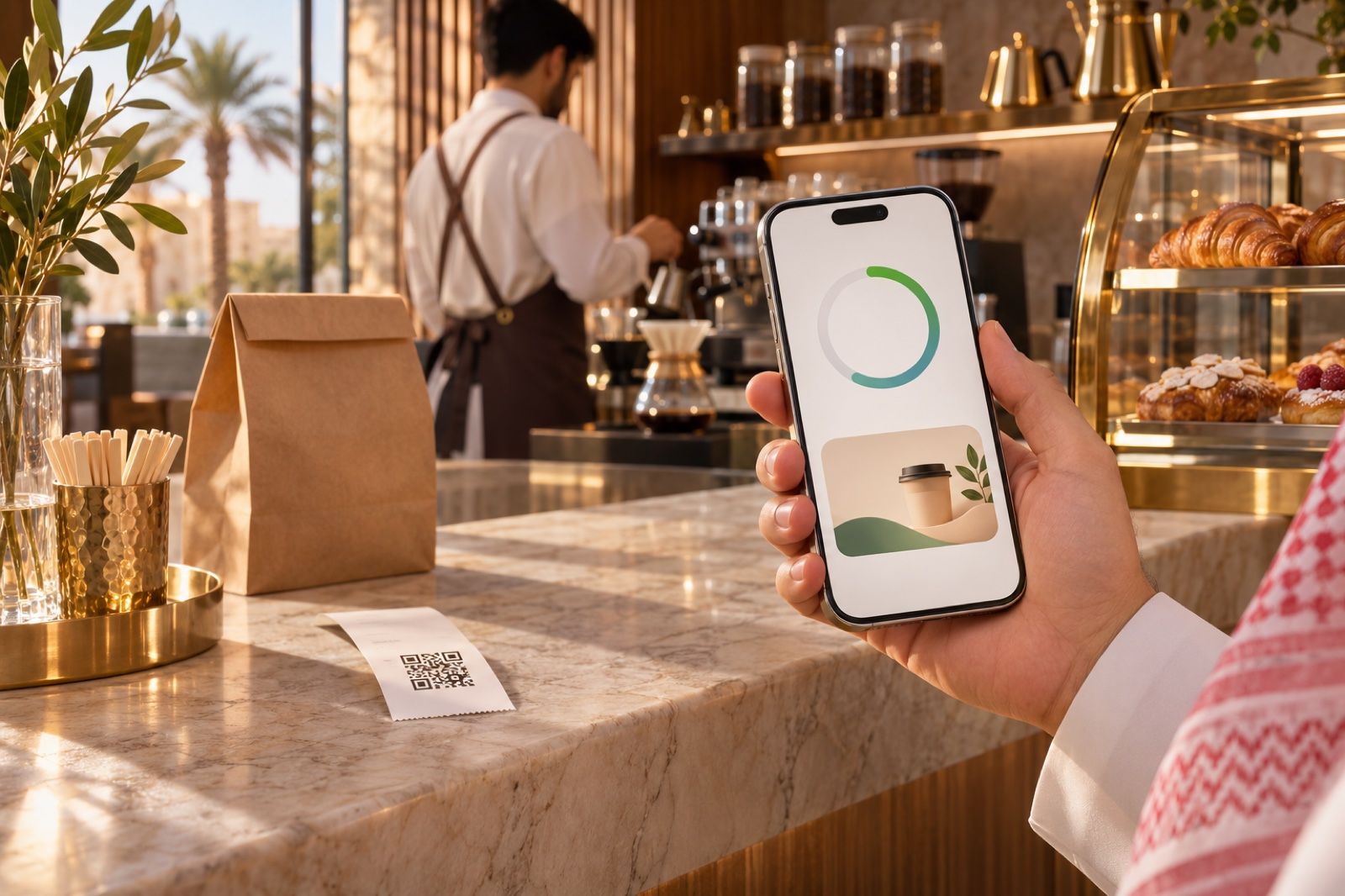
Customers wait at your counter with phones in hand. Zaheb lets them track orders by QR, get called when ready, and see your offer or campaign while they wait.
In every restaurant, café or pharmacy the same moment repeats: the customer has paid, taken the receipt, and now stands waiting. They scroll their phone, glance at the counter every minute, and ask the staff: "Is my order ready?". For most shops these minutes pass with no benefit at all, and sometimes they turn into a crowd at the counter and pressure on staff.
But think about it another way, and it is one of your most valuable moments: a customer who is in your shop, interested, and looking at their phone screen. The question is: what do they see during those minutes?
The problem: waiting with no order and no opportunity
- The customer does not know when the order will be ready, so they stand near the counter or keep asking.
- Traditional pagers cost money, get lost, need charging and maintenance, and tell the customer nothing except a buzz.
- Calling names out loud gets lost in the noise, especially at peak times.
- On top of that, the new offer or campaign you prepared is only seen by whoever notices a sign on the wall.
The solution: a tracking page on the customer's phone, with a space for your offer
The idea is simple: instead of handing the customer a pager, give them a number on the receipt and a QR code. They scan it once, follow the order status on their phone, and get notified the moment it is ready. And since the customer opens this page and waits on it, it becomes the natural place to show whatever you want them to see.
How does Zaheb do it?
Zaheb by Cortex Solutions was built for exactly this: "Call your customer without a pager." According to the product page, Zaheb offers:
- Works on its own: no cashier system needed, and with Cortex POS the call is automatic.
- Notification on the phone: the customer scans once and is called when the order is ready.
- Your board: issue, call and close tickets from one screen.
- Your space on the page: show an offer or campaign while the customer waits.
That last feature is the focus of this article. The page the customer follows the order from is not just a "please wait" screen; it is space for you.
Practical ideas for using the waiting space
These are examples of what you could show in your space; pick what fits your business:
- Café: an offer on a pastry or dessert that goes with coffee, for the customer to add on the next visit or order at the counter before leaving.
- Restaurant: announce a new dish or seasonal meal instead of relying on a sign nobody reads.
- Pharmacy: a reminder about a care-products campaign or a seasonal offer.
- Workshop: introduce an extra service such as a periodic check or cleaning while the customer waits for the car.
- Clinic: introduce a new service or programme at the clinic.
A hypothetical example for illustration: a busy café prints the order number and a QR code on every receipt in the morning rush. The customer scans the code and sits down instead of standing at the counter, and on the page sees the week's offer on a date cake. When the order is ready the notification arrives, they collect it, and perhaps add the cake. No lost pager, no staff member shouting a name, and the offer reached everyone who waited.
Most importantly, the offer here does not annoy or interrupt the customer, because it appears on a page they opened themselves to check their order. So choose one clear offer related to what they bought, instead of a long list nobody reads.
Why this suits small and medium shops
- You do not need to change your system: Zaheb works on its own and does not require a cashier system, so you can start even without a POS.
- If you use Cortex POS, the call happens automatically with no extra step from staff.
- Everything from one screen: issuing the ticket, calling, and closing.
- It fits a wide range of businesses: restaurants, cafés, clinics, pharmacies, workshops and pickup counters.
If you have screens inside the shop, you can also look at Cortex Signage for menu, offer and calling screens: https://cortex.sa/solutions/signage
Getting started
- Identify the waiting point in your shop: the counter, the reception area, or the pickup zone.
- Prepare one clear offer or campaign to appear in your space on the page, and change it regularly.
- Train the team on the board: issue, call, close.
- Watch customer feedback in the first weeks and adjust the offer based on what you see.
Start with Zaheb
Waiting minutes happen in your shop every day; the difference is whether you let them go to waste or make them work for you. Discover Zaheb by Cortex Solutions: https://cortex.sa/solutions/zaheb
For full details and ordering: https://zaheb.io/
To request a quote: https://cortex.sa/estimator