Branch Channels, Linked Tasks and a Staff App with Cortex Workspace
· Cortex Solutions
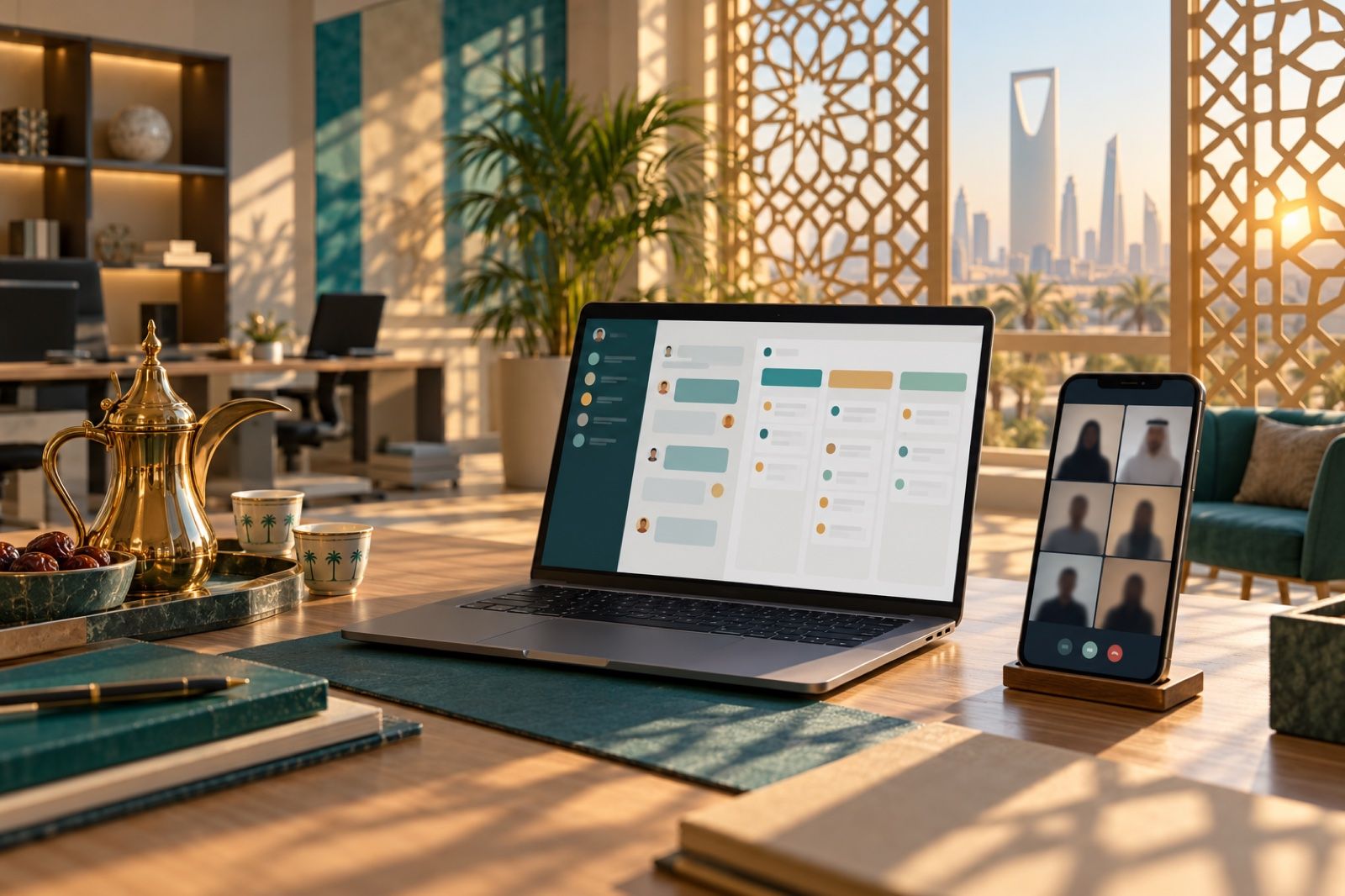
Branches lost in WhatsApp groups? Cortex Workspace gives each branch a channel, links tasks to invoices and orders, and reaches staff through a mobile app.
The more branches you open, the more WhatsApp groups you end up with: one for the Riyadh branch, another for Jeddah, a third for purchasing and a fourth for management. The updated shift schedule reaches only half the team, an important note about a supplier invoice gets lost among dozens of messages, and when an employee leaves, the work messages stay on their personal phone. This is not a discipline problem among staff; it is a tools problem. Day-to-day work happens outside the system you use to run your business.
In this article we explain why communication between branches breaks down, what a multi-branch business needs to organise it, and how Cortex Workspace brings it together in one place.
Why does communication between branches break down?
Most businesses with more than one branch see the same picture:
- Work messages live on personal numbers, so the business does not own the record and cannot revoke access when someone leaves.
- Each branch has its own group, so announcements and updates arrive late or not at all.
- A task is requested in a message and then forgotten, with no clear owner, no deadline and no follow-up.
- Discussion about an invoice or a sales order happens far from the document itself, so when you come back to it a month later the context is gone.
- Staff in the branch or in the field are not sitting at a computer, so they miss meetings and reminders.
What does a multi-branch business need?
Before any tool, you need a few simple rules:
- An official channel for each branch and team, using work accounts rather than personal numbers.
- Clear permissions, so each employee sees what belongs to their branch and team.
- Every request becomes a task with an owner and a deadline.
- Notes and tasks are recorded under the document they relate to.
- Mobile access for employees who work away from the office.
How does Cortex Workspace bring this together?
Cortex Workspace is a workspace for your employees inside the Cortex system itself, not an extra tool alongside it. Employees sign in with their Cortex account, with their own permissions and branch.
Channels for teams and branches: create a channel for each team, branch or project, alongside direct messages, with @mentions, threaded replies, attachments and search across everything that has been said. Each employee sees their branch's channels and their team's files according to their permissions in Cortex, so Jeddah branch messages never get mixed up with management decisions.
Tasks that don't get lost: the "My tasks" page shows an employee's tasks as a list or a board, and projects appear with their stages. Most importantly, a task can be linked to any document in the system: an invoice, a sales order, a product or a project. Each document has its own log of messages and notes, so the discussion about a supplier invoice stays with the invoice itself. Tasks can come out of meetings and messages in the same place, and AI can break a task down or plan a project using your points balance.
Meetings across branches without another app: voice and video calls for two people or the whole team, screen sharing and a shared whiteboard, and a meeting room with a guest link and a waiting room. You can join the meeting straight from the channel, and at the end you get an AI-generated meeting summary with suggested tasks.
Alerts that reach employees wherever they are: a bar at the top of the dashboard appears before a meeting or a timed task with a countdown, and notifications reach the employee's device for a new message or mention, or a task or meeting reminder.
A mobile app for branch staff: an employee app for iPhone and Android brings together chats, tasks and alerts, joining meetings and calls, and files from anywhere. The dashboard itself can also be installed as an app on desktop and mobile.
Files in a single version: folders for teams and projects with permissions from your system, previews without downloading, and version history. Word, Excel and PowerPoint files open and are edited in the browser by several colleagues at the same time, and PDF files can be read and commented on.
An example from a working day
The operations manager posts the new shift schedule in each branch's channel and mentions the branch supervisors, who get a notification on their phones. The Jeddah branch supervisor notices a shortage of an item, adds a note under the product itself and turns it into a task for the purchasing officer with a set deadline. In the weekly video meeting between branches, the summary is recorded and tasks are suggested, so every owner leaves knowing what they have to do, with no minutes written by hand. All of this uses work accounts, inside the same system.
Tips for getting started
- Start with channels: one per branch, one for management and one for each main team.
- Agree with your team that any work request becomes a task with an owner and a deadline.
- Move discussion about documents onto the documents themselves instead of side chats.
- Turn on the mobile app for branch and field staff from day one.
Get started with Cortex Workspace
If your branches today work across scattered chat groups and files on phones, Cortex Workspace brings internal messaging, meetings, alerts, files, tasks and a mobile app together in one place, inside Cortex and with your employees' accounts and permissions.
Learn about the solution: https://cortex.sa/solutions/workspace
Request a demo for your team from the solution page: https://workspace.cortex.sa