ERP vs CRM: How to Choose and Integrate Your Business Systems
· Cortex Solutions
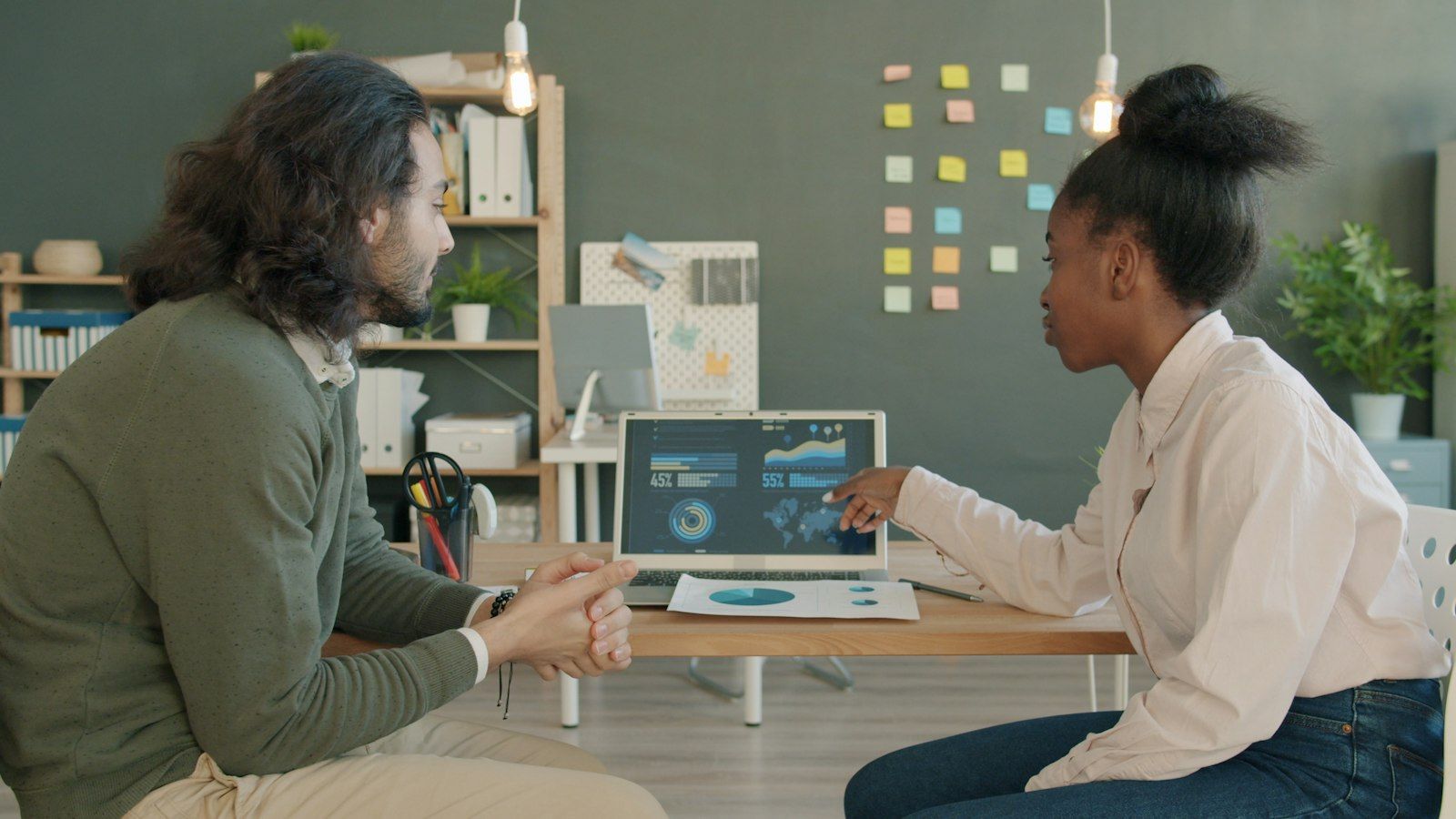
ERP vs CRM explained for Saudi businesses: what each system does, which you need first, and how to integrate them so sales, stock and invoices share one truth.
As a business grows, the question comes up: do we need an ERP, a CRM, or both? The difference between ERP and CRM is less about technology and more about the question each system answers. Enterprise resource planning (ERP) answers "how does the business run on the inside?" Customer relationship management (CRM) answers "who are our customers, and where is each one in their journey with us?" This article explains the role of each, how to decide where to start, and why integrating them is where the real value lies.
What is an ERP system?
An ERP brings core operations into one database: accounting and invoicing, inventory and warehouses, purchasing and suppliers, sales orders, and often HR, payroll and manufacturing. Its value is that one event updates everything automatically: a sales invoice reduces stock, posts the journal entry and updates the customer balance at the same moment.
In Saudi Arabia this role matters more with e-invoicing. ZATCA requires invoices to be issued from a compliant electronic solution, and in the integration phase that solution connects to the Fatoora platform. ZATCA also states that a paper invoice converted to electronic form by copying or scanning is not an electronic invoice. That is why the ERP is usually the natural place to issue the tax invoice.
What is a CRM system?
A CRM focuses on what happens before and after the sale: leads and their sources, sales opportunities and their stages, the history of calls, messages and visits, quotations, marketing campaigns, and support tickets. Its value is that sales, marketing and support see one picture of the customer, so two reps do not call the same client and no quotation is left without follow-up.
ERP vs CRM at a glance
- Focus: ERP is about operations, resources and money; CRM is about the customer and the relationship.
- Users: ERP serves accounting, warehousing, purchasing and management; CRM serves sales, marketing and customer service.
- Master data: ERP owns products, prices, stock, journal entries and invoices; CRM owns contacts, opportunities and interactions.
- The question it answers: ERP asks "how much did we sell, what did we earn, what is left in stock?"; CRM asks "who will buy, when and why?"
Which do you need first?
It depends on where your biggest pain is:
- Start with ERP if your problems are inaccurate stock, slow month-end close, multiple branches, e-invoicing requirements, or re-entering data between sales and accounting.
- Start with CRM if your sales cycle is long and relationship-driven, such as B2B, projects, real estate or professional services, and you are losing opportunities to poor follow-up.
- Many retailers and restaurants need the operational core first, then add customer management, loyalty and marketing on top.
Often the answer is a single platform that includes both modules, which avoids a separate integration project altogether.
Why integration is the real win
Two systems without integration mean two versions of the truth. A salesperson promises stock the warehouse does not have, accounting does not know about the discount the sales manager approved, and support cannot see the invoice the customer is complaining about. Integration fixes this with clear rules:
- One source for each kind of data: the ERP owns products, prices and stock; the CRM owns contacts and opportunities; each system reads from the other rather than re-entering.
- Automatic event flow: a won opportunity in the CRM becomes a sales order in the ERP, and invoice and payment status flow back to the customer record.
- One customer identifier across both systems to avoid duplicates, with clear rules for merging similar records.
- Documented APIs instead of manual spreadsheet export and import.
- A log of every sync and an alert when one fails, so errors do not pile up silently.
Questions to ask before choosing
- Does the system support Arabic and right-to-left layout in the interface, reports and invoices?
- Does it meet Saudi e-invoicing and VAT requirements?
- Does it support multiple branches and companies if you have more than one commercial registration?
- How open is it to integration with point of sale, your online store, payment gateways and shipping providers?
- Where is data hosted, and what are the permission and backup controls? Remember that the Personal Data Protection Law applies to the customer data in your CRM.
- What is the total cost of ownership over several years, including licences, implementation, training, support and development, not just the subscription price?
What integration looks like on a real working day
Take a distribution company with field sales reps and two warehouses. The rep logs the customer visit and the quotation in the CRM, and sees the quantity actually available from the ERP before promising anything. When the customer accepts, the quotation becomes a sales order in the ERP without retyping, stock is reserved in the nearest warehouse, and the e-invoice is issued on delivery. Payment status then flows back to the customer record in the CRM, so the rep knows before the next visit that an amount is overdue, and marketing can see which customers buy most and which have stopped. All of it from data entered only once.
Common mistakes
- Choosing a system from an attractive demo without testing your real business scenarios.
- Over-customising the system until it becomes hard to upgrade.
- Skipping data cleansing before migration, so the mess moves from spreadsheets into the new system.
The bottom line
ERP runs the inside, CRM manages the relationship with the outside, and integration between them is what turns data into decisions. At Cortex Solutions we implement ERP and CRM systems and build the integration between them and point of sale, online stores, e-invoicing and dashboards. If you are comparing options, we can help you document your requirements and test them against your actual business scenarios before you commit.
Sources
- ZATCA — What is e-invoicing — https://zatca.gov.sa/en/E-Invoicing/Introduction/Pages/What-is-e-invoicing.aspx
- SDAIA — Personal Data Protection Law — https://sdaia.gov.sa/en/SDAIA/about/Documents/Personal%20Data%20English%20V2-23April2023-%20Reviewed-.pdf