Multi-Branch Stock: Transfers, Counts & One Owner View in Cortex ERP
· Cortex Solutions
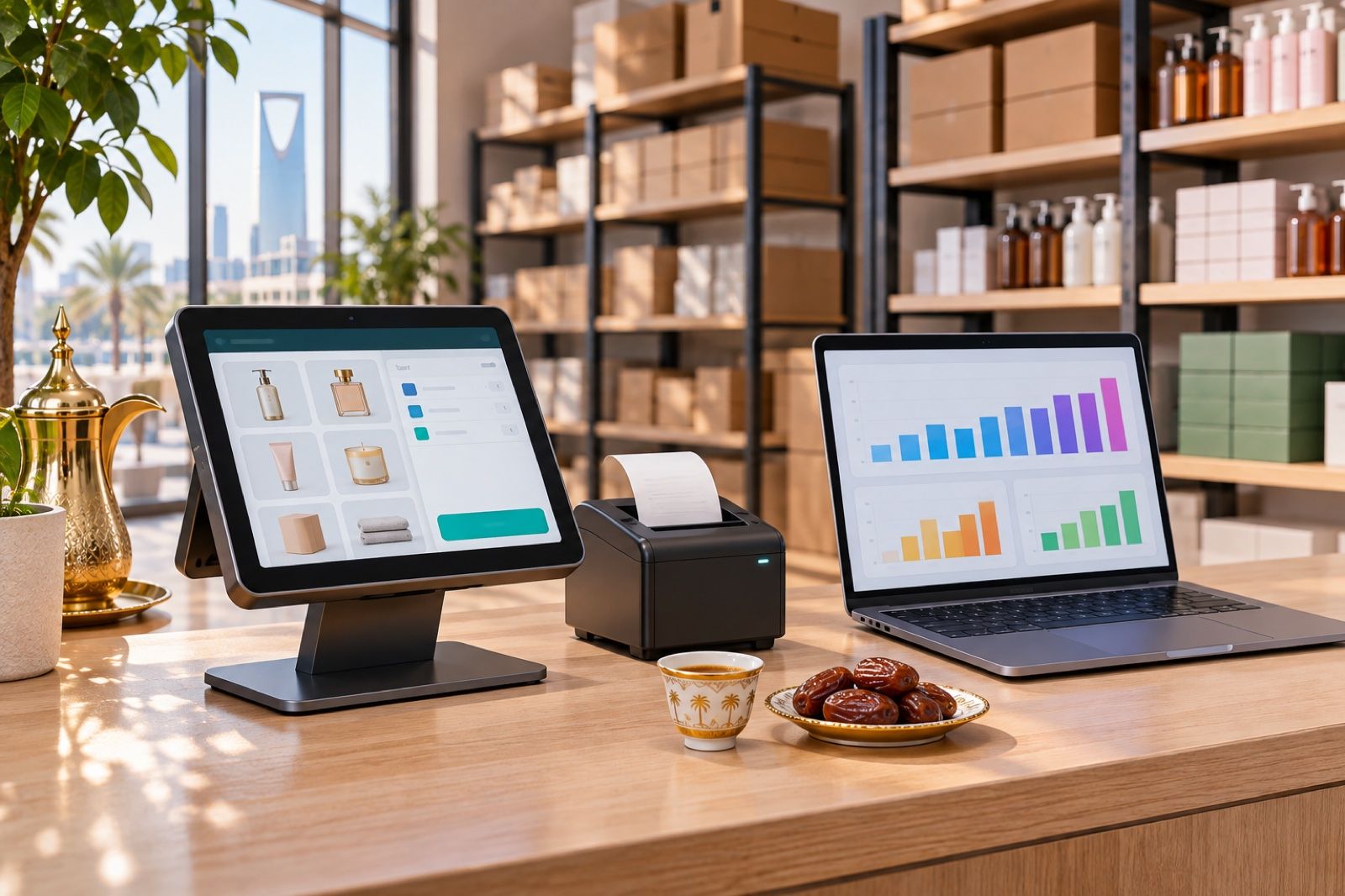
Stock out in one branch, piling up in another? Learn how to control multi-branch inventory with logged transfers, regular counts and one owner view in Cortex ERP.
Imagine a shop owner with three branches getting a call from one of them: "We're out of this item, when will more arrive?" He calls the warehouse and is told the last shipment went to the second branch, then discovers two days later that the second branch still has enough for a whole month. The story is familiar to anyone running more than one branch: the stock exists, but it is in the wrong place, and nobody sees the full picture.
Where is the problem?
- Each branch works from its own spreadsheet or notebook, so the owner only knows what each branch holds after a string of calls and messages.
- Transfers between branches happen by verbal agreement or a WhatsApp message, so goods leave one branch and are never recorded in the other.
- Stock counts are exhausting and keep getting postponed, and when they happen, discrepancies appear with no known source.
- Supplier orders are based on guesswork, so an item piles up in one branch and runs out in another.
- The point of sale is separate from inventory and accounting, so what is sold is not immediately reflected in quantities or in the books.
The result: capital frozen in slow-moving stock, lost sales due to out-of-stock items, and purchasing decisions without reliable numbers.
How do you solve it?
The answer is not more spreadsheets or more WhatsApp groups, but one system where the point of sale is connected to inventory, purchasing and accounting, so every stock movement becomes a clear record everyone can see:
- Separate stock for each branch, updated with every sale or receipt.
- Logged transfers between branches, leaving one and entering the other within the same system.
- Regular, organised counts comparing actual quantities with recorded ones.
- Supplier purchase orders based on what each branch actually holds.
- One view for the owner bringing all branches together.
This way, the question "how much of this item do we have?" is no longer a phone call waiting for an answer, but a number in front of you at any time. The gap between recorded and actual quantities becomes an exception you can trace and explain, not a surprise you discover at month end. And each branch manager can request what they are short of through a clear transfer from another branch, instead of waiting for a new supplier shipment that may not even be necessary.
How Cortex ERP does it
Cortex ERP is one platform combining point of sale, accounting, inventory, purchasing, HR and reports, built for retail stores, restaurants, workshops, salons and multi-branch companies. For branch inventory specifically:
- Inventory & purchasing: stock per branch, transfers, counts and supplier orders, all inside the system.
- Branches: each branch on its own, rolled up into one view for the owner.
- Point of sale: works on phone, tablet, desktop and browser, and selling keeps going when the internet drops.
- Integrated accounting: invoices, payments, VAT and ZATCA e-invoicing in the same books, so what moves in stock and sales shows up in the accounts.
- For restaurants: menu boards, kitchen display and customer display within the same ecosystem.
Most importantly, the system grows with you: start with what you need today and expand into a full ERP without migrating to a new system.
A practical plan to control branch stock
- First, standardise item names and codes across all branches; this is the basis of any accurate comparison.
- Run an opening count in each branch and enter the actual balances before anything else.
- Make every movement between branches go through a logged transfer in the system, and accept no movement outside it.
- Set a fixed schedule for regular counts, even if only for the fastest-moving items at first.
- Before any supplier order, review all branch balances; the answer may be an internal transfer, not a new purchase.
- Review the combined view weekly to spot slow-moving and out-of-stock items in each branch, and decide accordingly.
What you gain
Instead of running your branches by phone calls, you run them by numbers: you know where your stock is, move it to where it sells, buy what you actually need, and close your month with books that match what is on the shelves. With sales linked to inventory and accounting on one platform, repetitive manual work drops, and opening a new branch becomes an addition to an existing system rather than a fresh start.
Get started
If you have more than one branch and are tired of chasing quantities between branches and the warehouse, discover Cortex ERP and see the full details on its page:
https://cortex.sa/solutions/erp
You can also request a quote that fits the size of your business at:
https://cortex.sa/estimator