Scattered Across WhatsApp Groups? One Workspace for Your Team
· Cortex Solutions
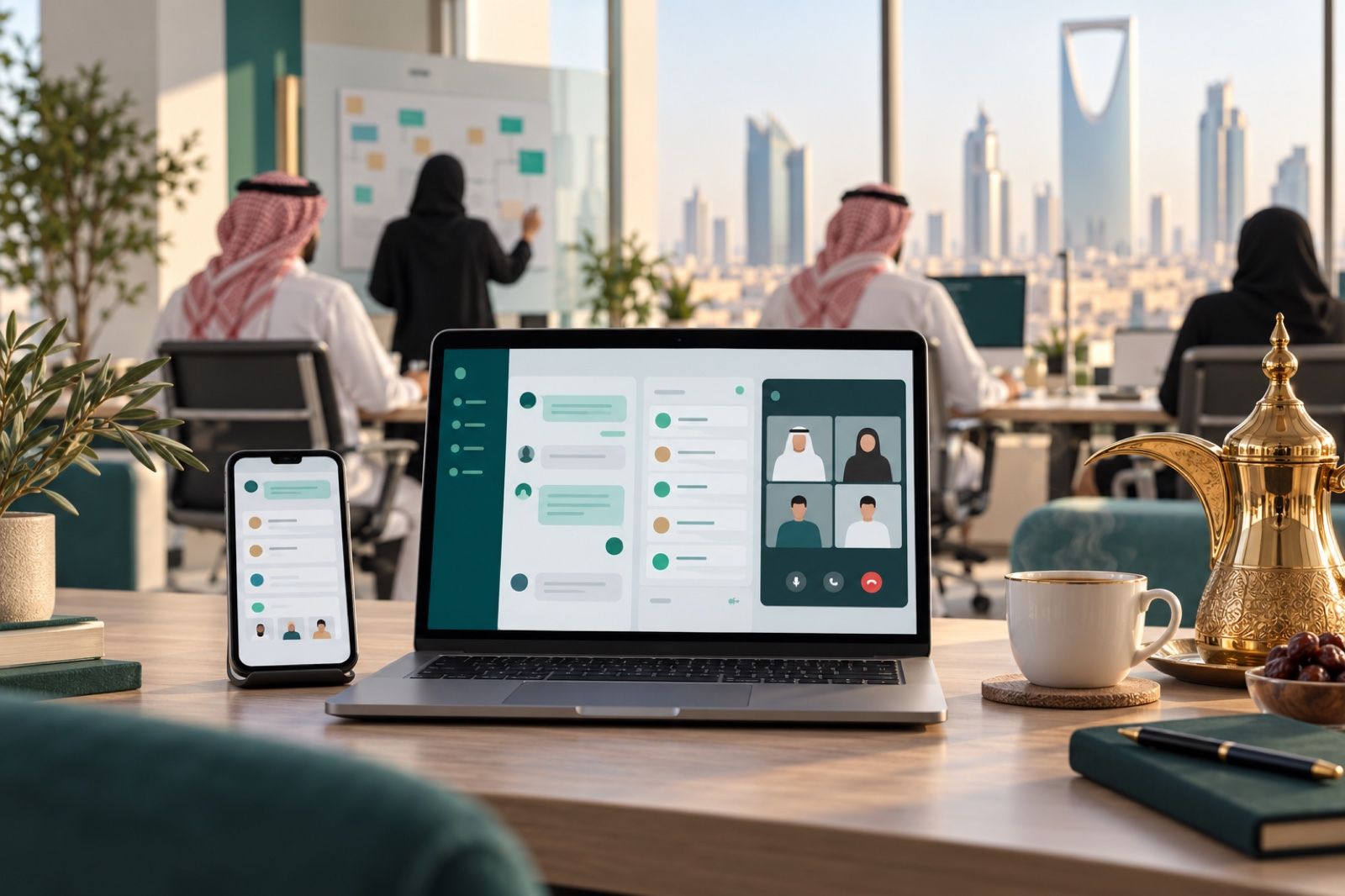
Tasks in WhatsApp groups, files on personal phones, meetings with no follow-up? Here's how Saudi businesses unify team work and customer chats in one workspace.
In many Saudi small and medium businesses, the working day starts with dozens of messages in WhatsApp groups: a request from the branch manager, a photo of an invoice from the accountant, a customer question sent to an employee's personal phone, and a meeting link lost among the messages. It feels practical at first, but as the team grows and branches multiply, it turns into chaos that both customers and management pay for.
The problem: work is everywhere except where it belongs
When a company has no unified workspace, the same symptoms keep appearing:
- Tasks are requested in a chat and then forgotten, and nobody knows who owns them or when they are due.
- Work files are scattered across phones and personal email, and each employee keeps a different version.
- Customer messages arrive via WhatsApp, Instagram and email to different people, so replies are late or duplicated.
- Meetings end without clear minutes or assigned tasks, so the same discussions are repeated in the next meeting.
- When an employee leaves, their conversations, files and knowledge leave with them.
The cause is not a lack of commitment from the team, but the absence of a tool that brings communication, tasks and files together in one place with clear permissions.
How to fix it: four practical steps
- Separate internal communication from personal chat: create channels for each team, branch or project instead of personal phone groups.
- Turn every request into a task: anything that needs doing should have an owner and a clear status that can be tracked.
- Collect customer messages in a shared inbox, so the customer is not tied to one employee's phone and any colleague can continue the conversation.
- Put files in a central place with permissions: one version everyone works on, instead of trading attachments.
How Cortex Workspace brings it all together
Cortex Workspace from Cortex Solutions is a workspace that brings your team and your customers into one place: customer conversations from every channel, team tasks and projects, internal messaging, voice and video meetings, and shared online files. Accounts and permissions follow each employee's access rights, and there is a mobile app.
These are its main components as described on the product page:
- Communication Center: a shared inbox for WhatsApp, Instagram, Messenger, website chat and email, with an AI assistant.
- Tasks and Projects: a "My Tasks" view as a list or board, projects with stages, and each task linked to an invoice, order or customer.
- Internal Messaging: channels for each team, branch or project, direct messages, mentions and threaded replies that keep discussions in order.
- Meetings and Calls: voice and video calls, screen sharing and guest links, with AI-generated summaries and tasks after the meeting.
- Files and Co-editing: shared folders with permissions, and Word, Excel, PowerPoint and PDF files edited together in the browser.
- Notifications and Mobile: meeting and appointment reminders, device notifications, and staff apps for iPhone and Android.
What does the working day look like after the switch?
Picture a branch manager opening the mobile app in the morning and finding their tasks on one board, each linked to the relevant customer or order. A customer message that arrived via Instagram shows up in the team's shared inbox, and the first available colleague replies with help from the AI assistant's suggestion. In the weekly midday meeting, someone shares their screen to review a shared Excel file, and when the meeting ends the summaries and tasks are ready instead of being written up by hand.
When a new employee joins, they get an account with permissions that fit their role, so they see only the channels and folders that concern them. When an employee leaves, the conversations and files stay with the company.
Who is Cortex Workspace for?
- Multi-branch companies that need separate channels per branch with a central view for management.
- Sales and customer service teams that receive messages from more than one channel.
- Service and project companies that manage staged tasks and need to link them to the customer and the invoice.
- Any team that works partly remotely or in the field and relies on mobile.
Tips before you switch
- Start with one team or one branch as a pilot, then expand gradually.
- Agree on a simple rule with the team: every work request becomes a task, and every work file is saved in the shared folder.
- Set permissions by role from the start, so each employee sees only what they need.
Get started
If your team spends more time hunting for messages and files than doing the work itself, it is time for a single workspace. Discover Cortex Workspace here: https://cortex.sa/solutions/workspace
To get a quote that fits the size of your team, contact us through the "Request a quote" page on the Cortex Solutions website: https://cortex.sa/estimator