Video Walls, AI Promo Pages and Loyalty Screens with Cortex Signage
· Cortex Solutions
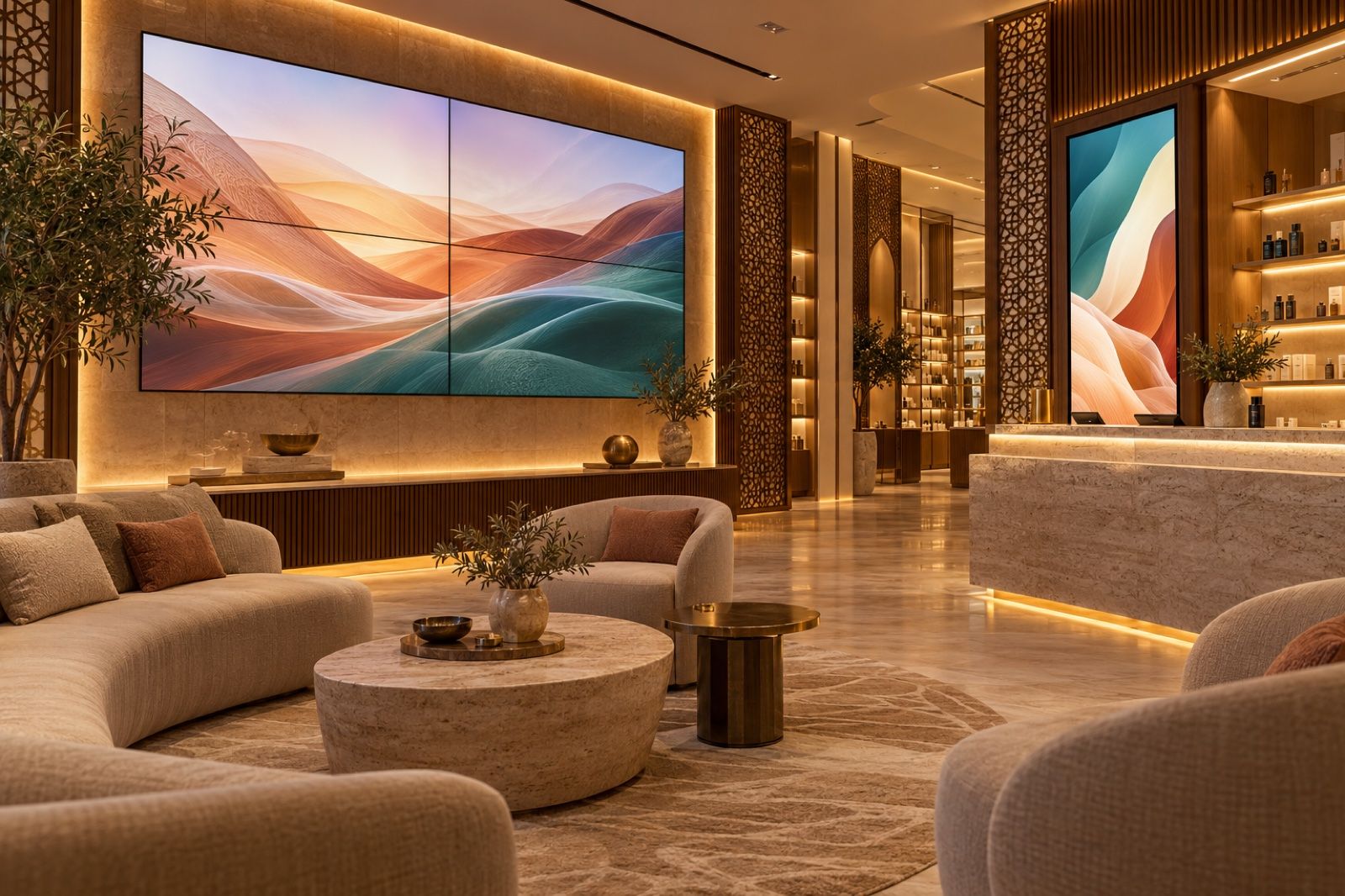
Turn branch screens into a sales tool: AI promo and loyalty pages from your real items and prices, video walls of up to 16 screens, and group publishing.
In many shops, salons and service centres across the Kingdom there is a screen on the wall that has shown the same content for months: an image of an offer that has ended, or a video unrelated to what is on sale today. The reason is not a lack of ideas. Designing new content for every promotion takes time, and getting it onto every screen in every branch needs a visit, a USB stick or a dedicated employee. The result is that the screen, one of the strongest sales tools inside the store, turns into decoration.
In this article we explain how to turn your branch screens into a real marketing tool: a video wall that catches the eye, promo pages designed with AI from your real items and prices, and a loyalty-programme invitation every waiting customer sees, all from a single dashboard with Cortex Signage.
The problem: stale content and scattered screens
Branch owners usually face three problems:
- Content production is slow: every promotion needs a new design, and it is easy for an old price or a wrong item name to appear.
- Every screen is its own world: updating screens across several branches by hand means some fall behind or are forgotten.
- Customers wait and see nothing useful: waiting time in the lounge is a chance to introduce an offer or the loyalty programme, but it is wasted.
The solution: content linked to your system and published centrally
The idea is simple: build screen content from the data you actually sell with, publish it to all screens from one place, and know what is showing right now on every screen. That is exactly what Cortex Signage provides.
AI pages from your real items
Instead of waiting for a designer, you request a ready page from the Cortex dashboard:
- A designed menu page with your items' real names and prices, exactly, up to forty items per page.
- A loyalty-programme invitation page with your programme's real join code placed on it.
- A promo page with the offer title and its items, or an image you upload, in your store's branding.
- "Same style": request another page in the style of the previous one so your screens stay consistent.
Each page is drawn from the AI points balance in your subscription. Because names and prices come from your items in Cortex, there is less risk of showing a price that does not match the point of sale.
A video wall that catches the eye
If you have a large storefront or showroom, you can combine screens into one video wall: from two to sixteen screens sharing one playlist, each showing its slide in sync. Each screen can be set to landscape or portrait, and the player rotates the picture 90, 180 or 270 degrees for devices that do not allow rotating their output.
Varied content without complexity
A playlist combines six slide types: menu, image, video, text, link and clock. The media library supports JPG, PNG, WebP and GIF images and MP4, WebM, MOV and MKV video up to 500 MB per file. If you have a catalogue or offers flyer as a PDF, upload it and each page becomes a slide, up to fifty pages. For each slide you set its duration and transition: fade, slide or zoom.
Scheduling and group publishing
- Operating hours: set the weekdays and hours for each playlist, including periods that run past midnight, with a fallback slide shown outside them.
- Screen groups: tag your screens, then "publish to group", and the content reaches every tagged screen across all your branches in one publish.
- Monitoring: every screen sends a heartbeat every thirty seconds, so you know which are online and what they are showing now, and you can reload or resync them remotely.
Ads between orders and a screen that knows your business
The counter screen shows the order number with a QR code the customer scans to follow the order on their phone, and between orders it can show up to twenty image and video ads, if you choose. The call board shows "Preparing" and "Ready" columns with order numbers only, with no names and no phone numbers, and its wording changes with your business type: restaurant, salon, workshop, clinic or store.
Sector examples, as Cortex Signage describes them:
- Retail: seasonal offers in images and video on the shopfront, with the same content for every branch in one group publish.
- Salons: the service and price list and the loyalty invitation in the waiting area, plus a screen that calls customers in turn.
- Workshops and service centres: a screen that calls by order number, with maintenance offers rotating between numbers.
On any screen you have
You do not need special hardware: the player app runs on any TV, TV box or tablet with Android 5.0 or later, and it stores content so it keeps playing when the internet drops. The web menu, call board and counter screen can also be opened in the browser of any smart screen. The screen itself is a device bought separately. You pair a screen to your branch with a six-digit code shown in the dashboard, valid for thirty minutes and for one use.
Start today
A practical step: pick one offer for this week, request an AI page for it, publish it to a group of your branch screens, then review the playback report a few days later.
Learn about Cortex Signage: https://cortex.sa/solutions/signage
Details and subscription: https://signage.cortex.sa
If you have many branches or screens, tell us how many and what your business is and we will arrange the setup with you, or contact us on WhatsApp at +966 50 144 2924.