Breakfast, Lunch, Evening: Schedule Your Menu Screens by Time
· Cortex Solutions
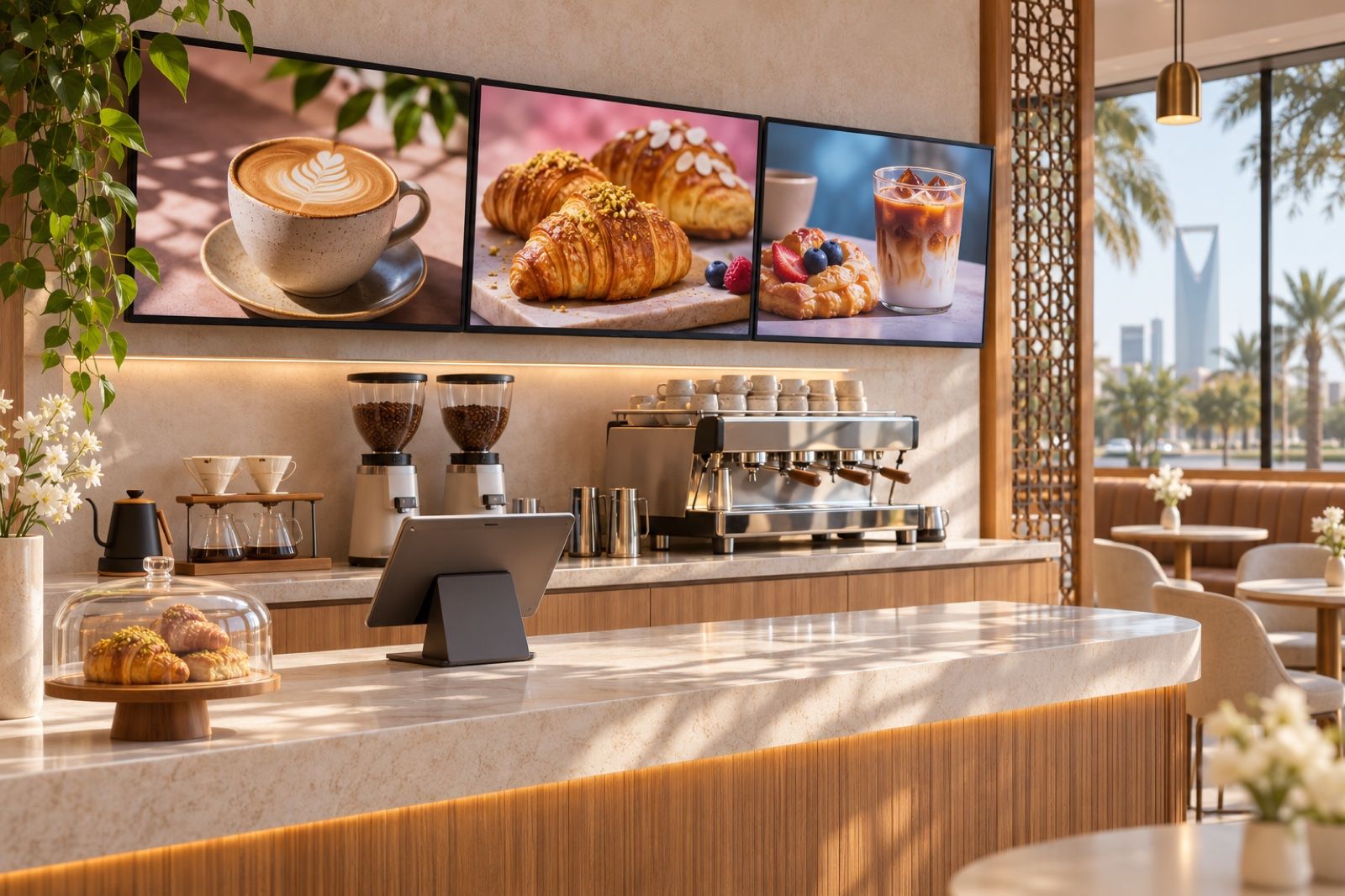
Your breakfast menu still on screen at noon? Learn how to schedule menu screens and offers by day and hour, per branch, from one Cortex dashboard with Cortex Signage.
It is 11:30 a.m. The café has started serving lunch, but the screen above the till still shows breakfast offers. A customer orders an item they can see in front of them, and the staff member has to apologize because its time is over. It is a small moment, but it repeats every day in every branch, and it costs you sales and confusion at the counter.
In many restaurants, cafés and shops, the menu and offers change during the day: breakfast in the morning, lunch at noon, evening offers, and sometimes a special weekend menu. Yet the screens stay on one piece of content because changing them by hand is tiring.
The problem: screens that don't know the time
When screens are managed manually, the same problems keep appearing:
- Content at the wrong time: the breakfast offer stays up after it ends, or the evening offer only appears if someone remembers to switch it on.
- Dependence on one person: one employee per branch is responsible for the USB stick or remote, and if they are away the screen stays as it is.
- Inconsistent branches: one branch shows the new offer while another still shows the old one, so a customer arrives at a branch that knows nothing about the ad they saw.
- Outdated prices: the screen is a static image designed months ago, while prices have changed in the point of sale.
- No visibility for management: the owner does not know what their branch screens are showing right now unless they visit or ask for a photo.
The solution: scheduled playlists managed from one place
The idea is simple: instead of changing the screen by hand, you prepare playlists in advance, set the days and hours each one appears, and publish them to one screen or a group of screens. The screens then switch on their own according to the time.
Practical steps to start:
- Split your day into dayparts: for example breakfast, lunch, evening, and a weekend slot.
- Prepare a playlist for each daypart: a menu page for the right items, an image or video for the offer, and a slide for your loyalty program if you have one.
- Link the menu to your actual prices, so the screen never shows a price different from what the till prints.
- Group your screens: till screens, storefront screens, waiting-area screens, or by branch.
- Check what is actually playing from one dashboard, without visiting the branches.
How Cortex Signage does it
Cortex Signage is Cortex's digital signage solution, built for restaurants, cafés, shops, clinics and every branch with a screen, with all your branch screens managed from one Cortex dashboard. Here is what it offers, according to the product page:
- Scheduling and groups: set days and hours for each playlist, publish to a group of screens, and build a video wall of up to 16 screens.
- A menu from your items: a menu slide built from your POS categories, items and prices, with eight templates to choose from, so the menu stays in line with what is actually sold.
- Images, video and PDF: a media library for images and video, and if you already have a PDF menu, each page becomes a slide.
- AI-generated pages: create menu pages, loyalty invitations and offers using your item names and real prices, useful when you need a new evening offer without waiting for a designer.
- Customer calling screen: two columns, "in preparation" and "ready", with the ready order number pulsing, without showing the customer's name or mobile number.
- Pair by code: a screen is paired with a six-digit code, through an Android player app or a link opened in any browser, and the dashboard shows what is playing on each screen right now.
A normal day in a café
Imagine a café with three branches. In the morning, the till screens show the coffee and pastry menu, and the storefront screen plays a short video of the breakfast offer. At noon, the playlist switches automatically to lunch items. In the evening, a dessert offer page appears, generated by AI from the café's own items and prices. At the weekend, a different playlist runs that you set in advance for those days only. Meanwhile, the calling screen next to the pickup area shows the orders in preparation and ready all day long.
All of this is set up once from the dashboard, and when you open a new branch you simply pair its screen with a code and add it to the right group.
Tips for better results
- Make each slide one clear message: one item or one offer with an appealing image.
- Put your highest-margin items in the daypart when they sell most.
- Don't overload the screen; a short playlist that repeats beats a long one customers never finish.
- Review the schedule whenever your opening hours change, such as during seasons and holidays.
Start now
If your branch screens still show the same content all day, it is time to make them follow your day. Learn about Cortex Signage and its details: https://cortex.sa/solutions/signage
For full details and to place your request: https://signage.cortex.sa/