Digital Menu Boards for Saudi Restaurants and Cafés: A Practical Guide
· Cortex Solutions
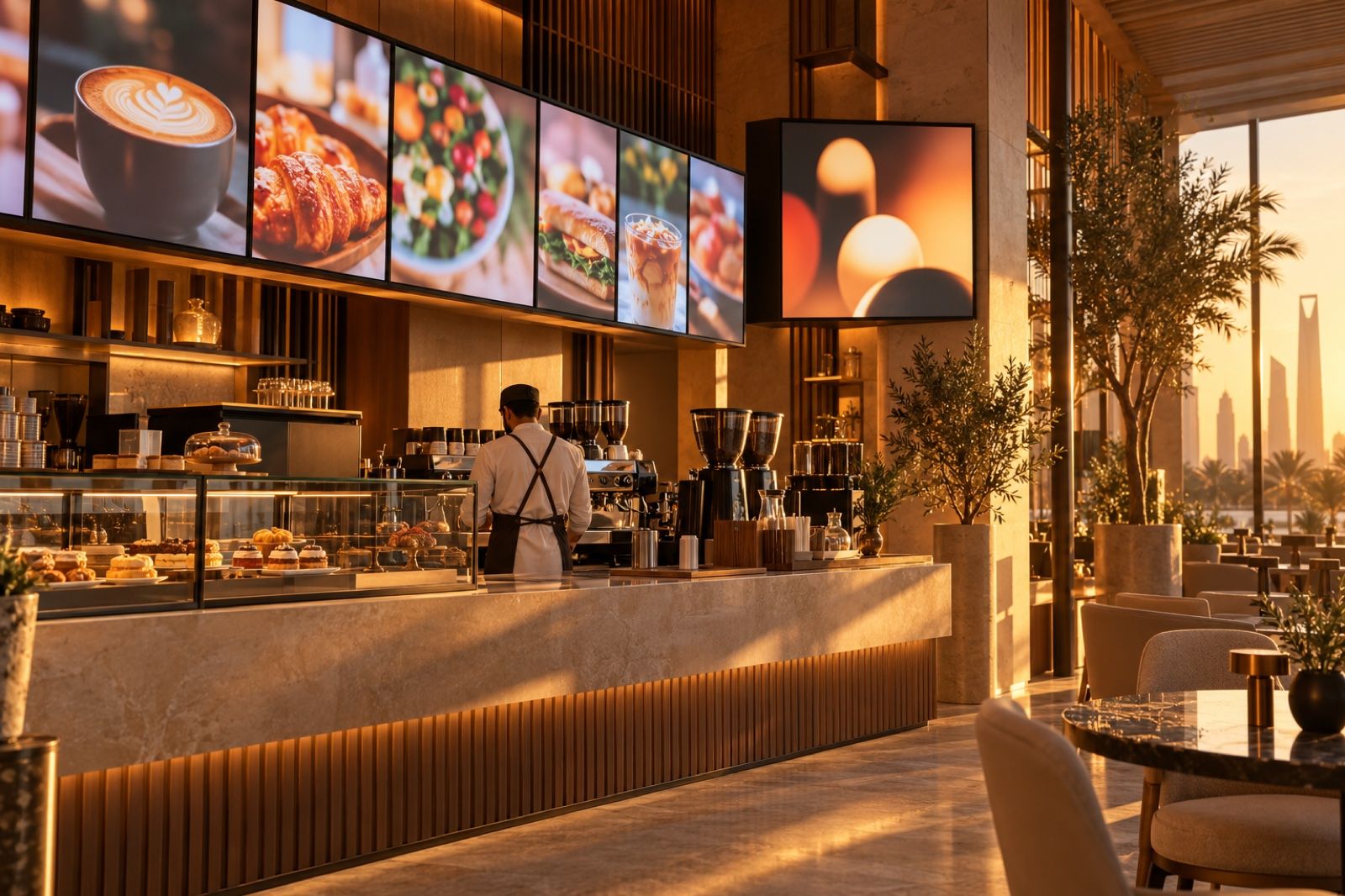
Printed menus go stale and order calls get lost. Learn how digital menu boards, call screens and scheduled offers work, and how Cortex Signage runs them all.
Walk into any busy restaurant or café in Riyadh or Jeddah during the evening rush and you will notice the same scene: a printed menu with a price crossed out by hand, a new offer stuck on the glass with tape, and an employee shouting order numbers over the noise. These are small details, but they shape the customer's impression and slow down service every day.
The problem: printed menus and manual calling
Most shop and restaurant owners face the same challenges:
- Price changes: every time the price of an item changes, the menu has to be reprinted or the customer sees a price that differs from the one at the till.
- Seasonal offers: breakfast offers, weekend offers and Ramadan offers each need new designs and someone to remember to put them up and take them down.
- Multiple branches: making sure every branch shows the same menu and the same offers is hard without central control.
- Order calling: calling out numbers aloud causes confusion at peak times, and some systems show customers' names on the screen, which not everyone welcomes.
The result is not just a less professional look. It is wasted staff time, price errors that can embarrass the business in front of its customers, and offers that cost marketing budget and then go unseen because they were not displayed at the right time.
The solution: digital screens connected to your system
Digital signage is not just a TV hanging on the wall playing a video. Its real value appears when the screens are connected to your point-of-sale system and managed centrally. Then the menu updates itself when prices change, offers appear at the right times automatically, and every branch shows the right content without anyone going there.
When choosing a digital signage solution, ask yourself:
- Is the menu built from my actual items and prices, or do I have to redesign it by hand every time?
- Can I schedule content by day and hour?
- Can I manage all branches and screens from one place and see what each screen is showing?
- Does it support a customer order-calling screen?
- Does it work on ordinary screens without expensive hardware?
How Cortex Signage does it
Cortex Signage is the screen solution from Cortex Solutions for restaurants, cafés, shops and clinics, and any branch that has a screen. Screens are managed from one dashboard, and according to the product page it offers:
- A digital menu built from your items: menu slides are built from your point-of-sale categories, items and prices, with eight ready-made templates to choose from.
- A customer call screen: two columns, "Preparing" and "Ready", with the ready number pulsing to catch the customer's attention, without showing the customer's name or mobile number.
- Media and PDF files: a library for images and videos, and any PDF file becomes one slide per page, useful for brochures and printed menus you already have.
- AI-generated pages: create menu pages, loyalty invitations and offers using your real item names and prices.
- Scheduling and screen groups: assign days and hours to each playlist, publish content to a group of screens at once, and build a video wall of up to 16 screens.
- Easy pairing: pair a screen with a six-character code, and play content through an Android player app or in any web browser via a link, while the dashboard shows what each screen is displaying right now.
Practical scenarios
- A café: a morning menu with breakfast offers from opening until noon, then the regular menu automatically, with a call screen next to the pickup counter.
- A restaurant with several branches: change a price once in the point-of-sale system and the menu updates on the screens of all branches.
- A clinic: a waiting-room screen showing awareness content and the clinic's services from images, videos or a PDF file.
- A shop: a video wall at the entrance showing the week's offers on a set schedule.
Tips for a successful start
- Start with the menu screen and the call screen; they deliver the fastest results.
- Use high-quality photos of your products, as they make the biggest difference on screen.
- Plan your offers schedule a month ahead and let scheduling do the rest.
- Assign one person to manage content for all branches from the dashboard.
- Regularly check what each screen is showing from the dashboard to make sure the right content appears in every branch.
Start today
If you want your menu to update itself, your offers to appear at the right time, and calling orders to become calmer and more organised, Cortex Signage is designed for exactly that. Learn more about the solution and request a quote at https://cortex.sa/solutions/signage